

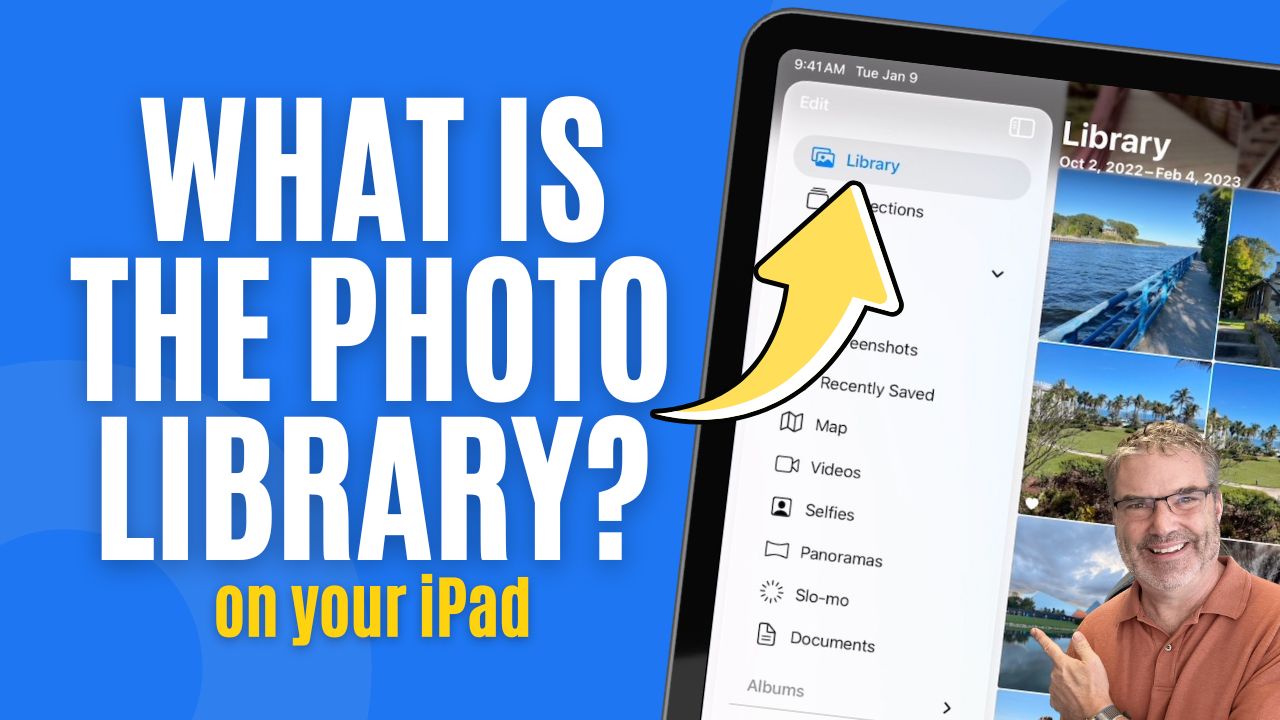
Browse Your Photos Library with iPadOS 26
Introduction The Photos app provides two main ways to browse your media: Library and Collections. In this tutorial, we’re focusing specifically on the Library view and the tools ...
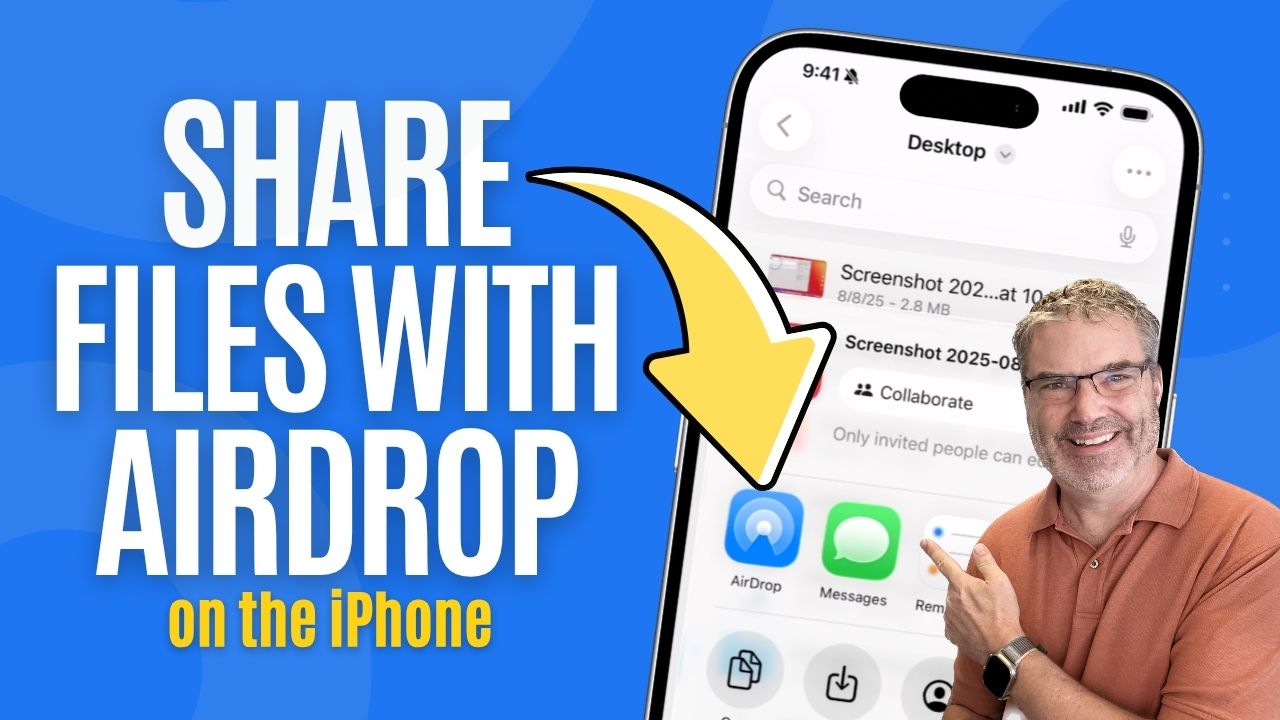
Airdrop Files to Others on your iPhone
Introduction AirDrop allows you to send files directly from your iPhone to another Apple device nearby, such as an iPad or Mac. The file appears ...
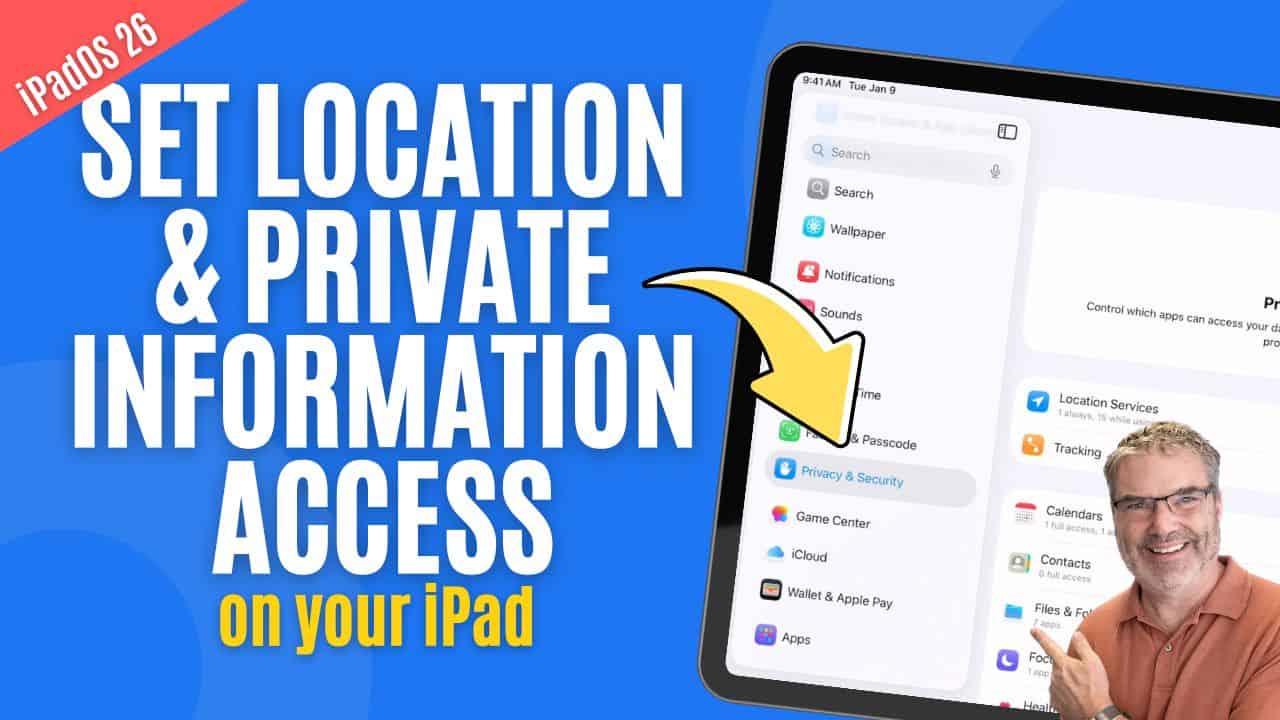
Set Location & Private Information Access
Introduction Apps on your iPad often ask for access to personal information such as your location, contacts, calendars, reminders, photos, and more. Sometimes this access ...
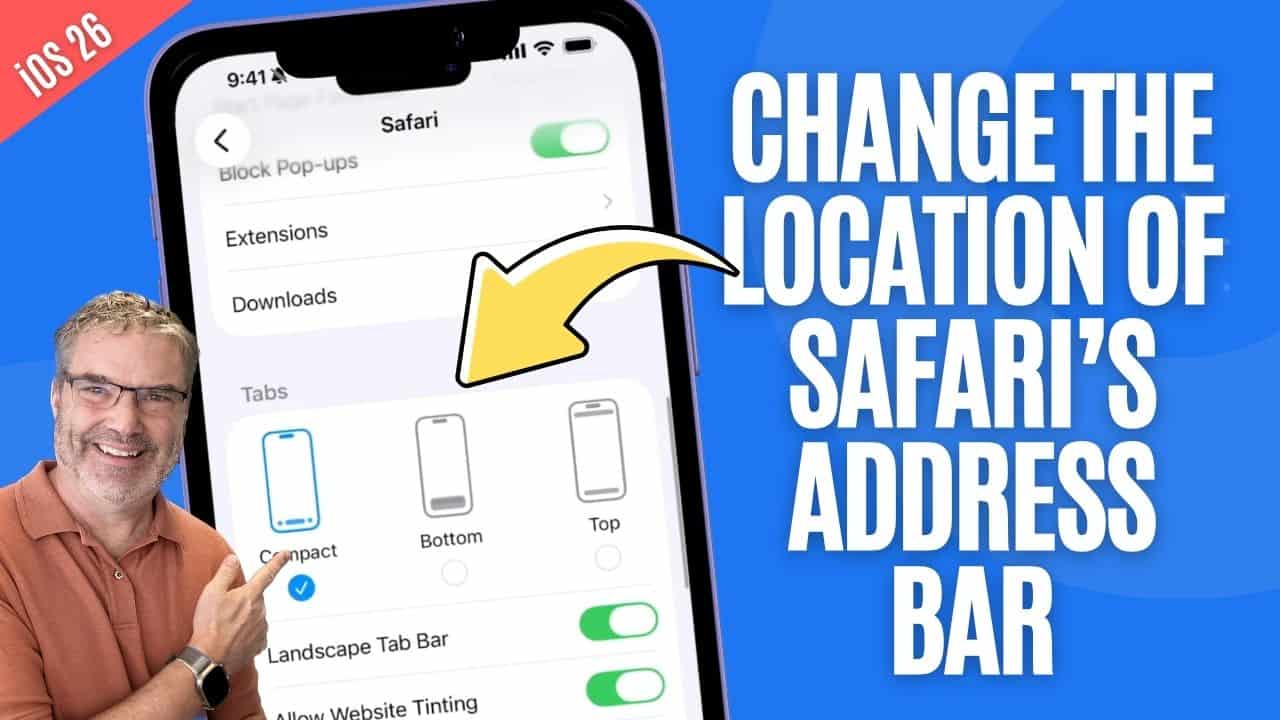
Change the Location of Safari’s Address Bar
Introduction Safari on the iPhone gives you a few different ways to use the Address Bar, and depending on how you hold your phone or browse ...
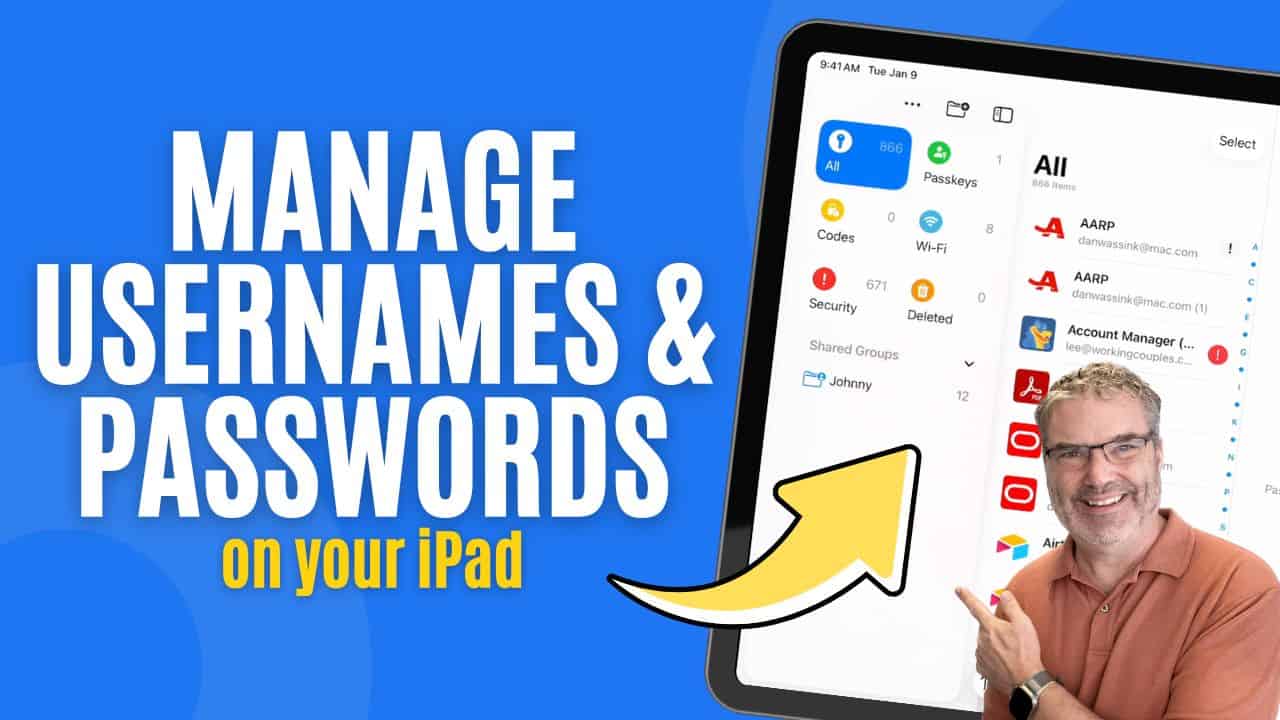
Did You Know Your iPad Has a Built-In Password Manager?
Introduction If you haven’t really dug into the Passwords app on your iPad yet… you’re missing out. This little app does a lot more than ...
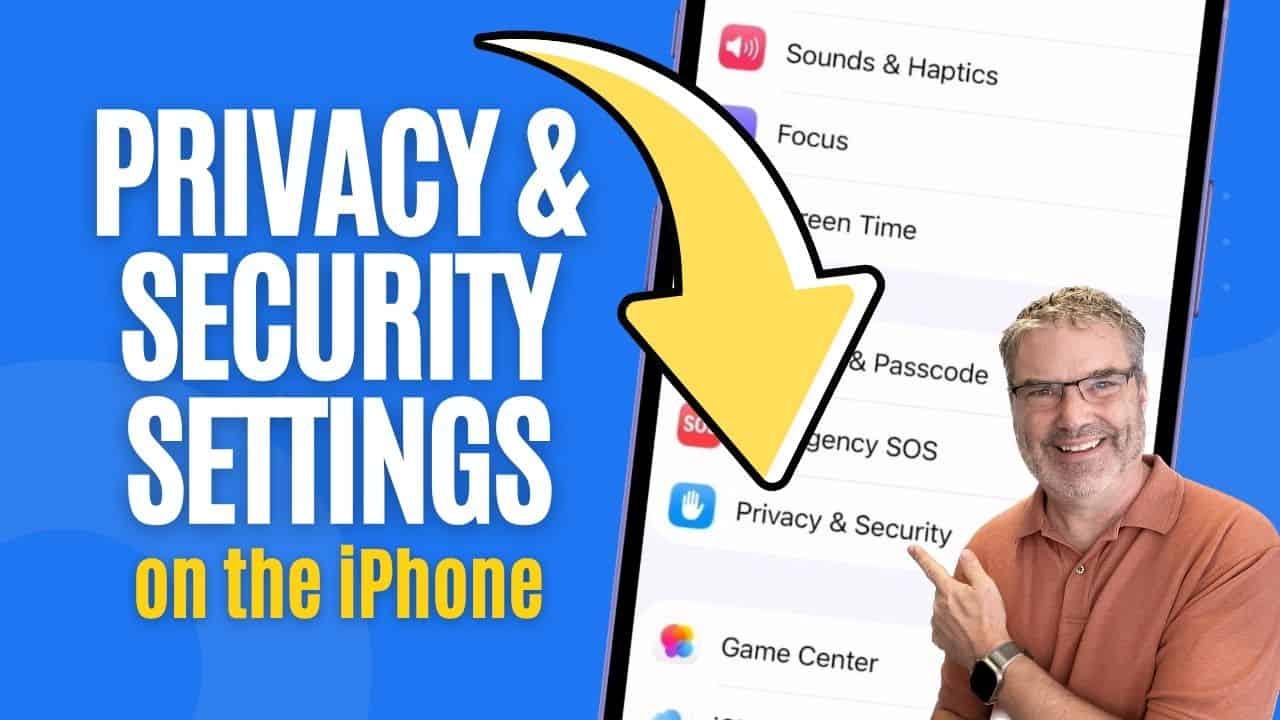
Privacy & Security Settings on the iPhone
Introduction In the video above, I show you how to manage your privacy and security settings on the iPhone. This is where you control which ...
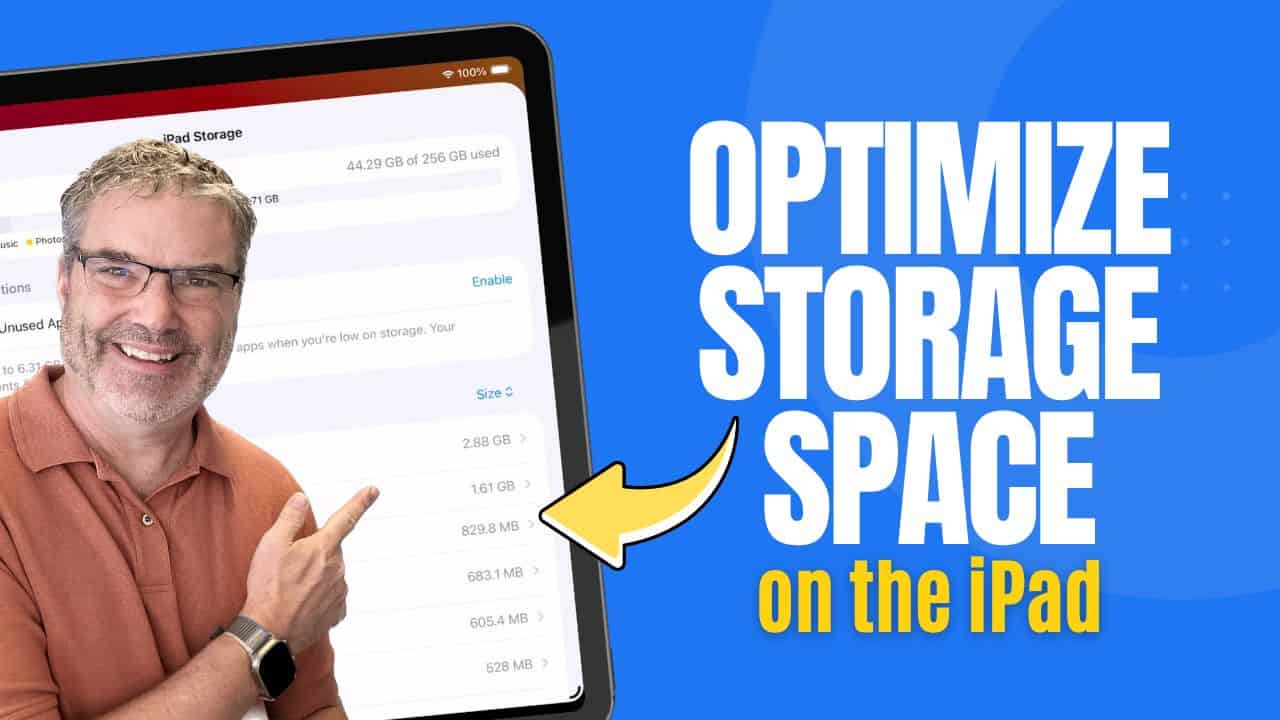
Optimize your iPad Storage
Introduction Storage fills up over time — apps get larger, photos and videos accumulate, and files quietly take up space in the background. Instead of ...
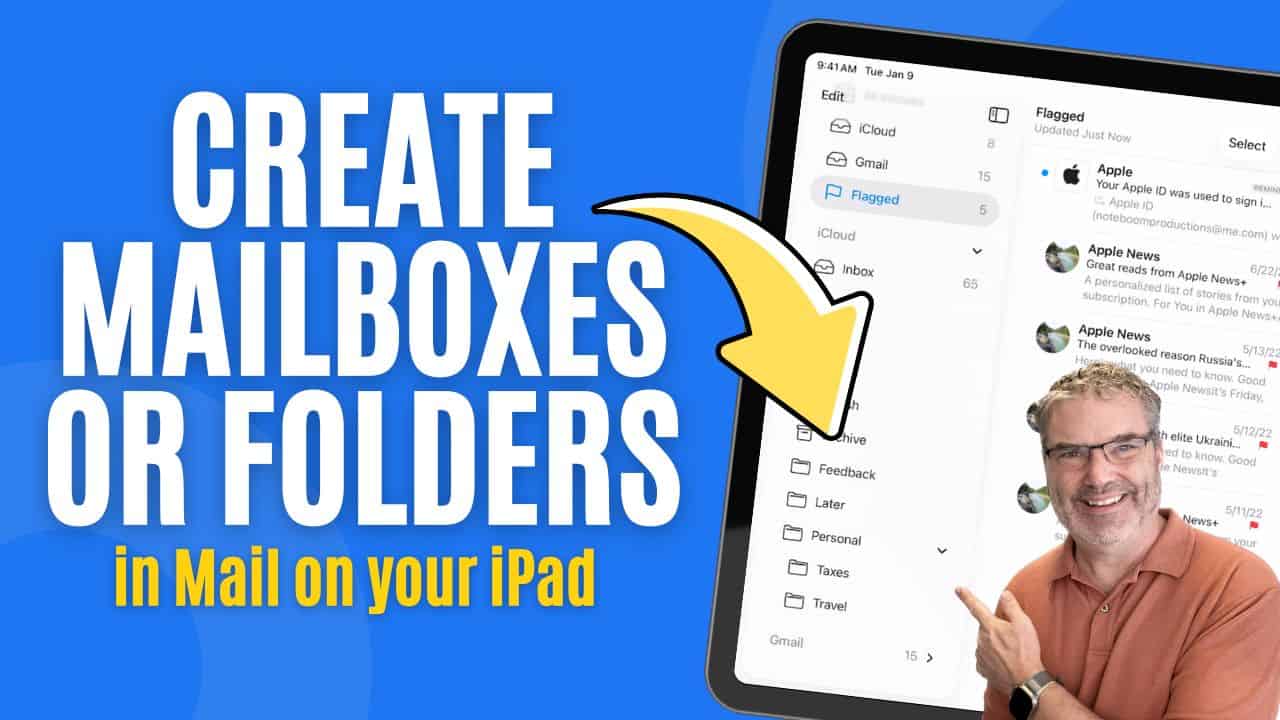
Manage Mailboxes or Folders in Mail
Manage Mailboxes in Mail on the iPad The Mail app on the iPad gives you more than just an inbox. It also gives you a ...
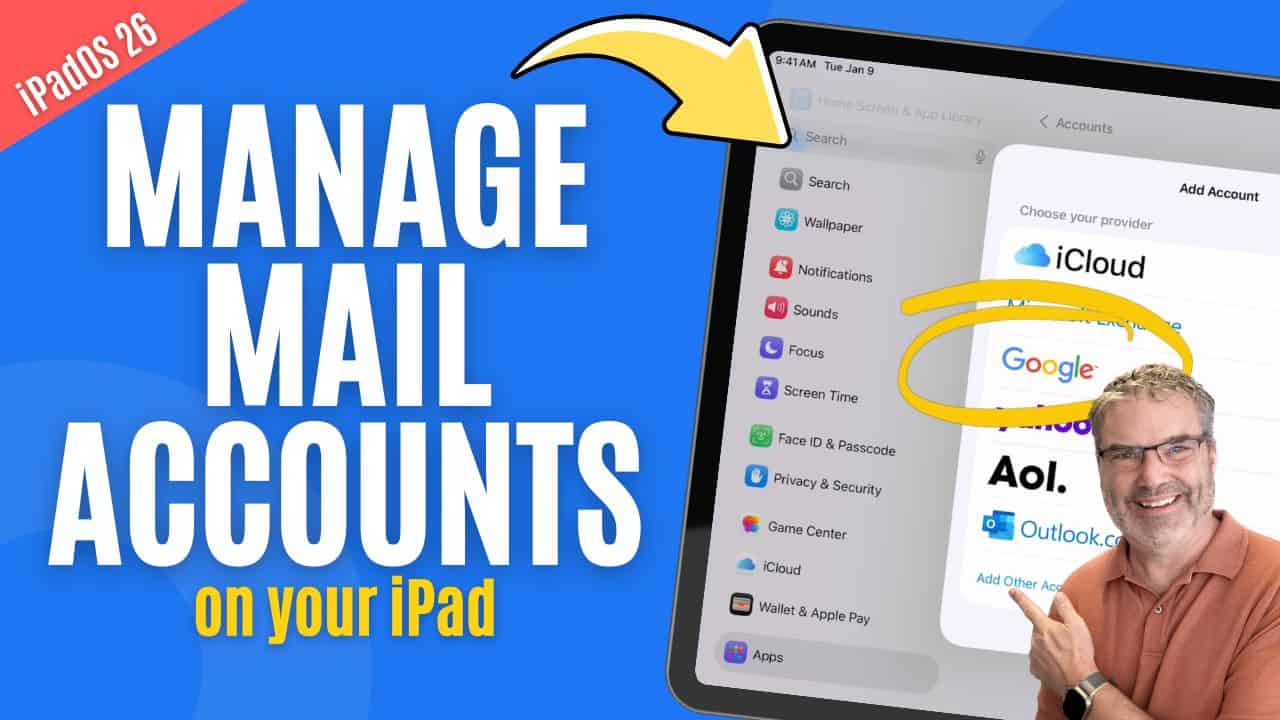
Manage Mail Accounts
Introduction Your iPad can manage email from multiple services, such as iCloud, Gmail, Outlook, or Yahoo. Each of these is added to the iPad as ...
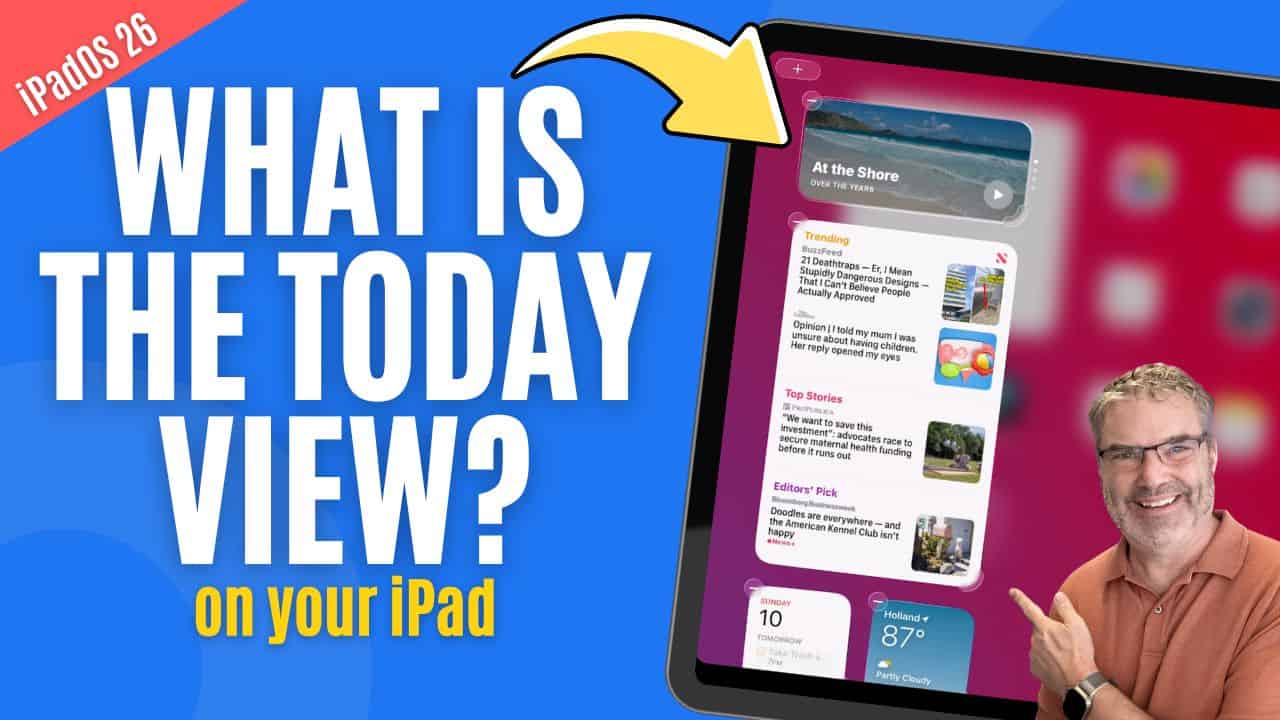
Can Today View Make Your iPad More Useful? Yes!
Introduction Widgets are designed to give you quick access to useful information without opening apps. On the iPad, one of the easiest places to view ...
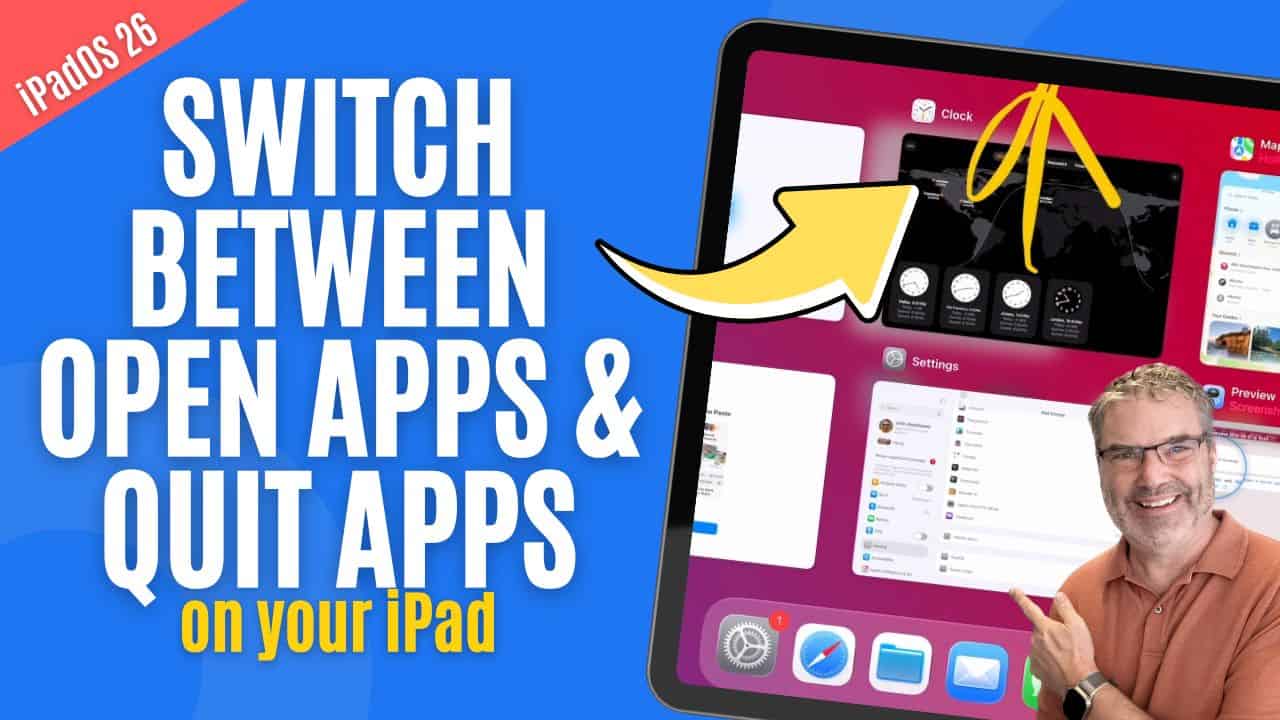
How to Switch Apps and Force Quit Apps on iPad
Introduction As you use your iPad throughout the day, it’s common to open multiple apps and move between them frequently. Knowing how to quickly switch ...
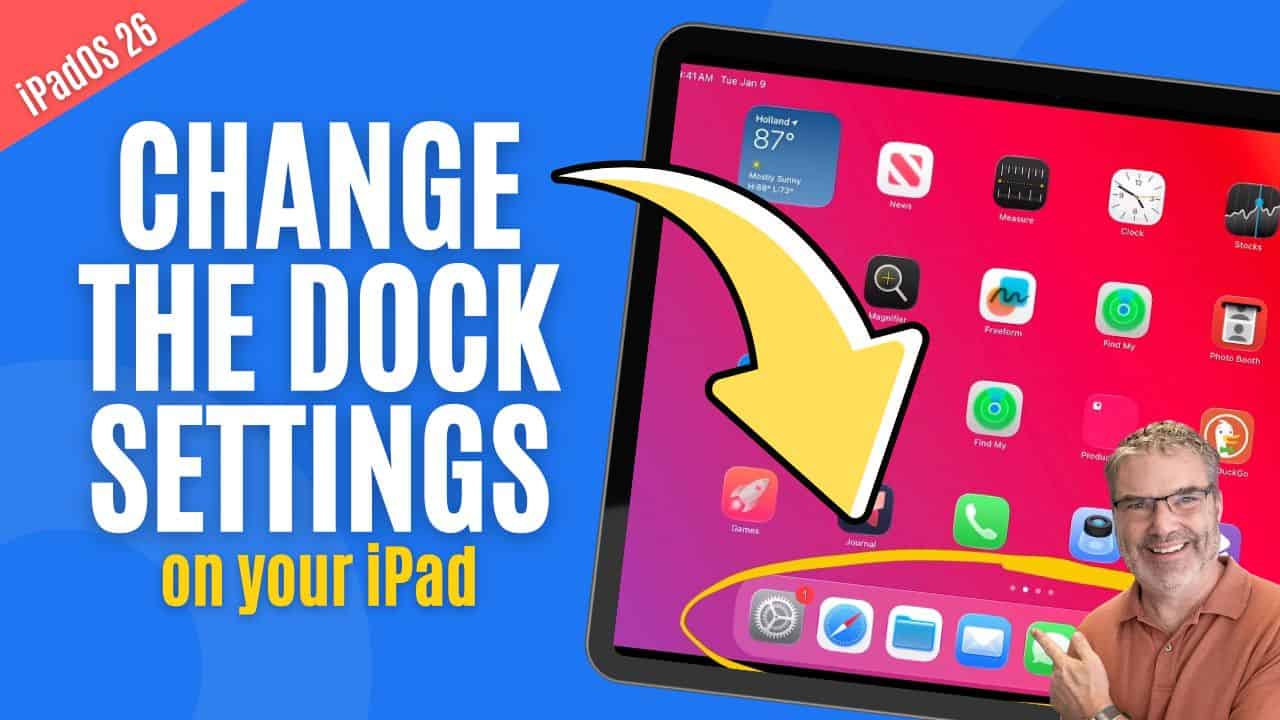
Is Your iPad Dock Set Up Right? Let’s find out!
Introduction The Dock is one of the most powerful navigation tools on the iPad, yet many people never fully take advantage of it. It gives ...
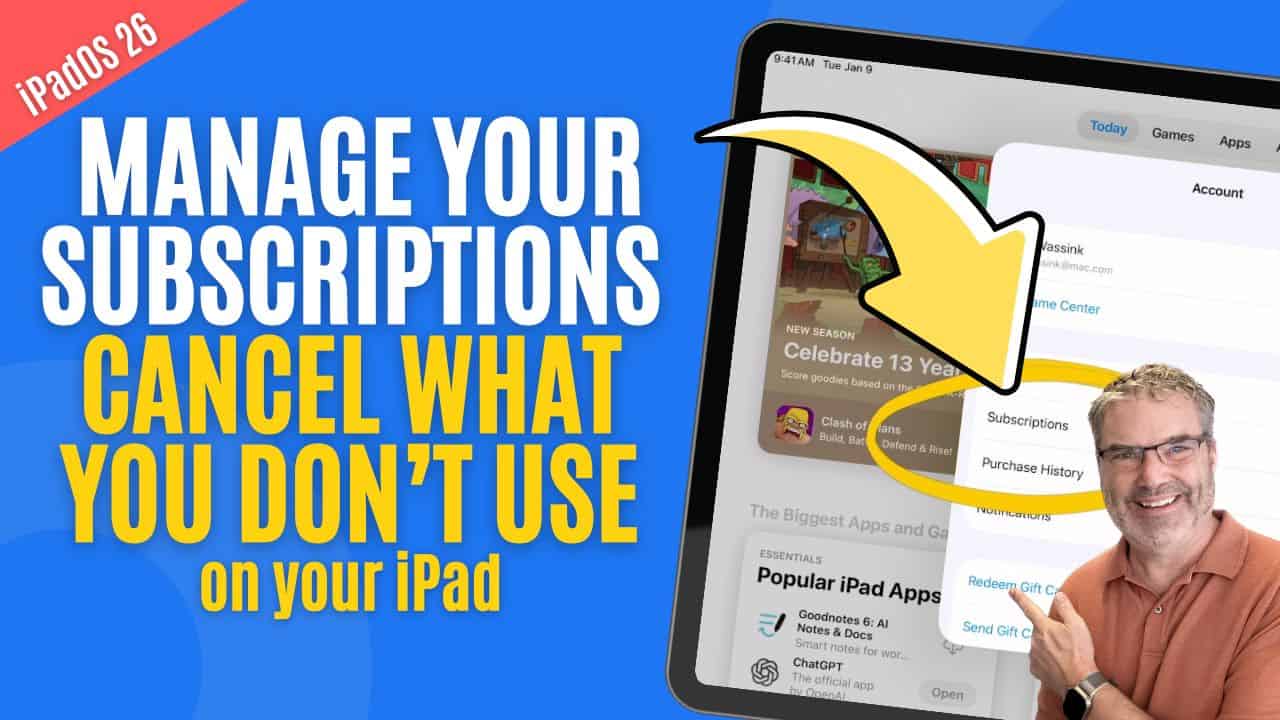
Still Paying for Old Apps on your iPad? Stop the renewals!
Managing Subscriptions on the iPad Subscriptions are convenient, but they are also easy to forget about. Over time, small monthly charges can add up, especially ...
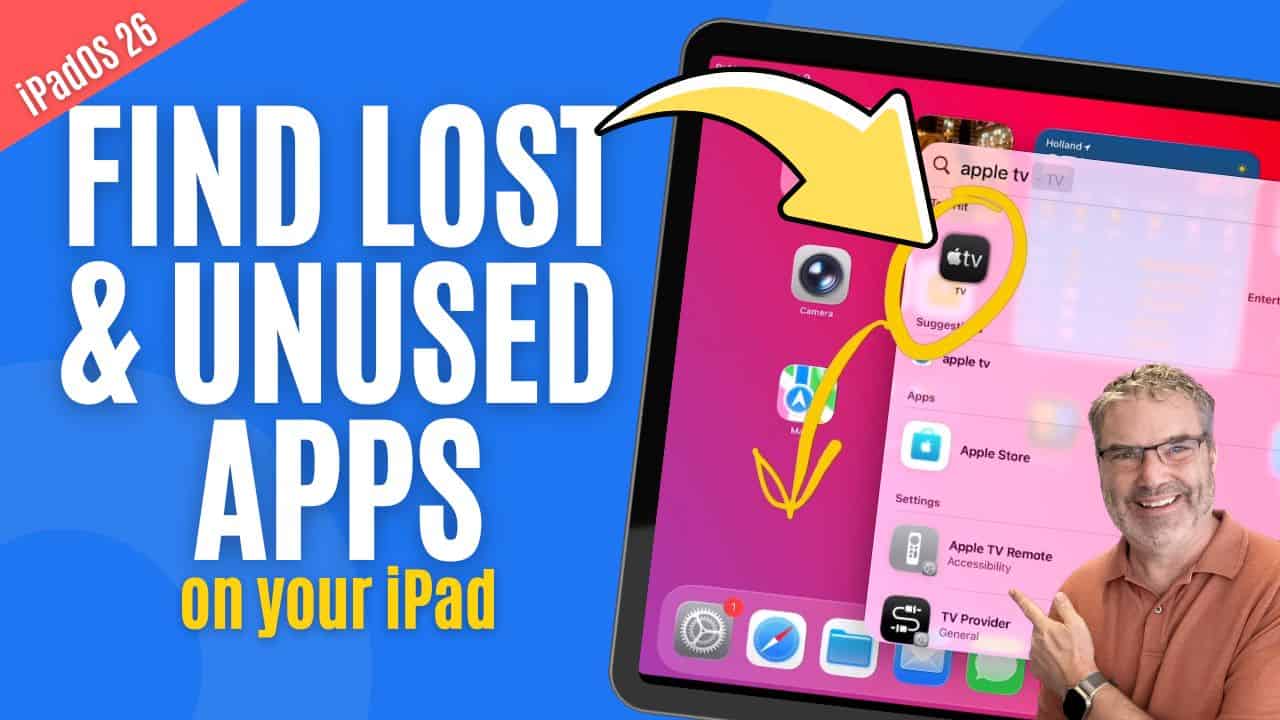
Find Lost & Unused Apps on your iPad
Introduction Over time, it’s easy to lose track of apps on your iPad. You install something for a specific task, stop using it, and months ...
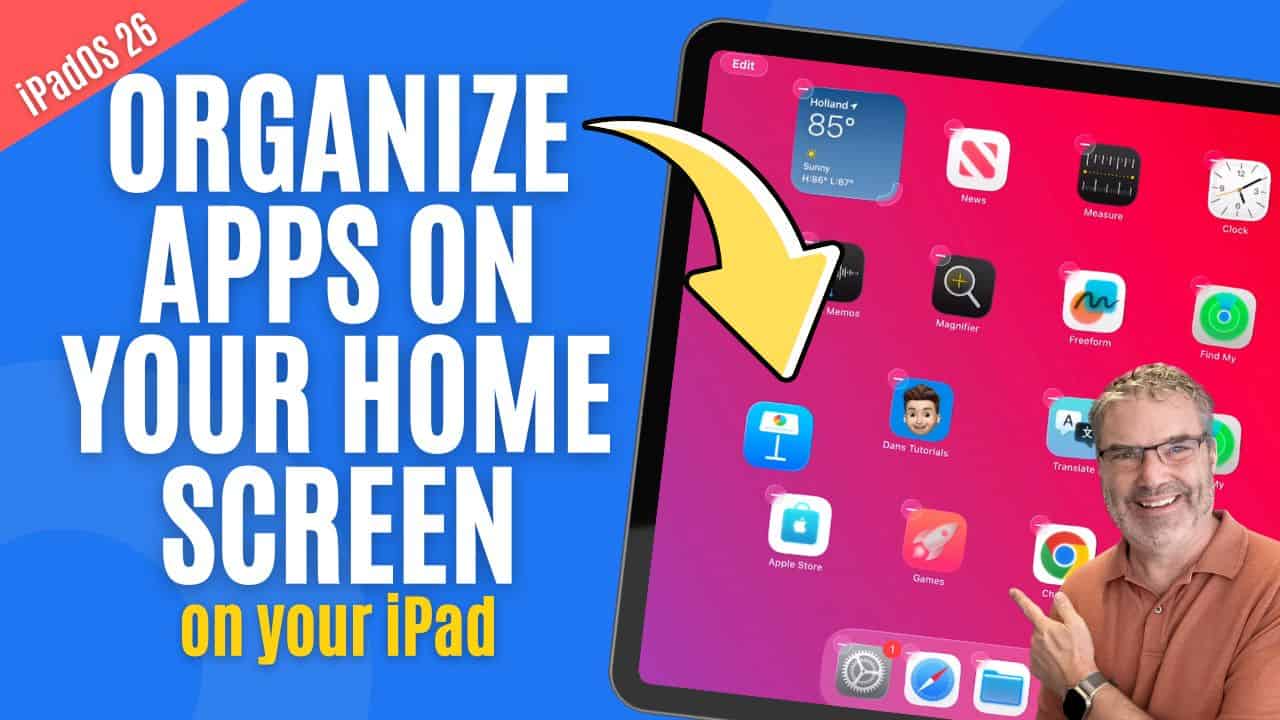
Tired of Cluttered iPad Screens? Learn how to Organize your Apps!
Introduction Keeping your iPad organized starts with managing your apps. Over time, it’s easy for apps to spread across multiple screens, making it harder to ...