

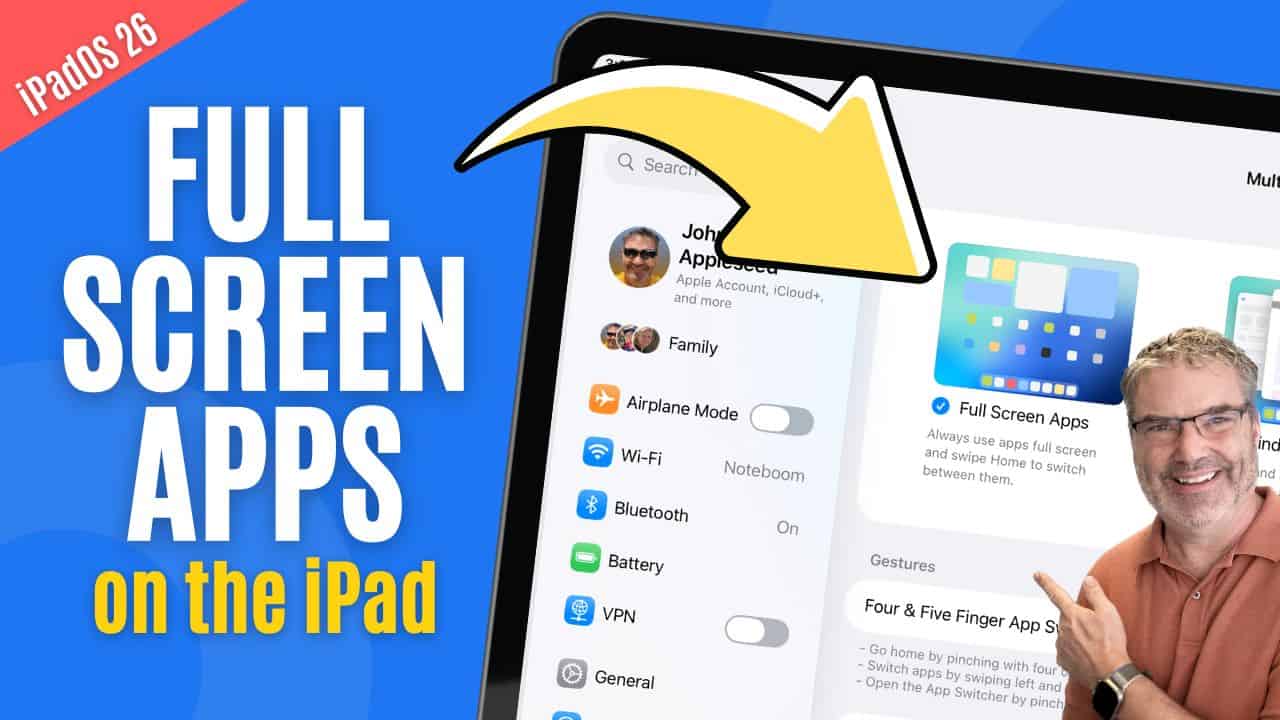
Full Screens Apps Mode in iPadOS 26
Introduction With iPadOS 26, Apple introduced a new way to use your apps: Full Screen Apps mode. This feature takes advantage of the iPad’s large display ...
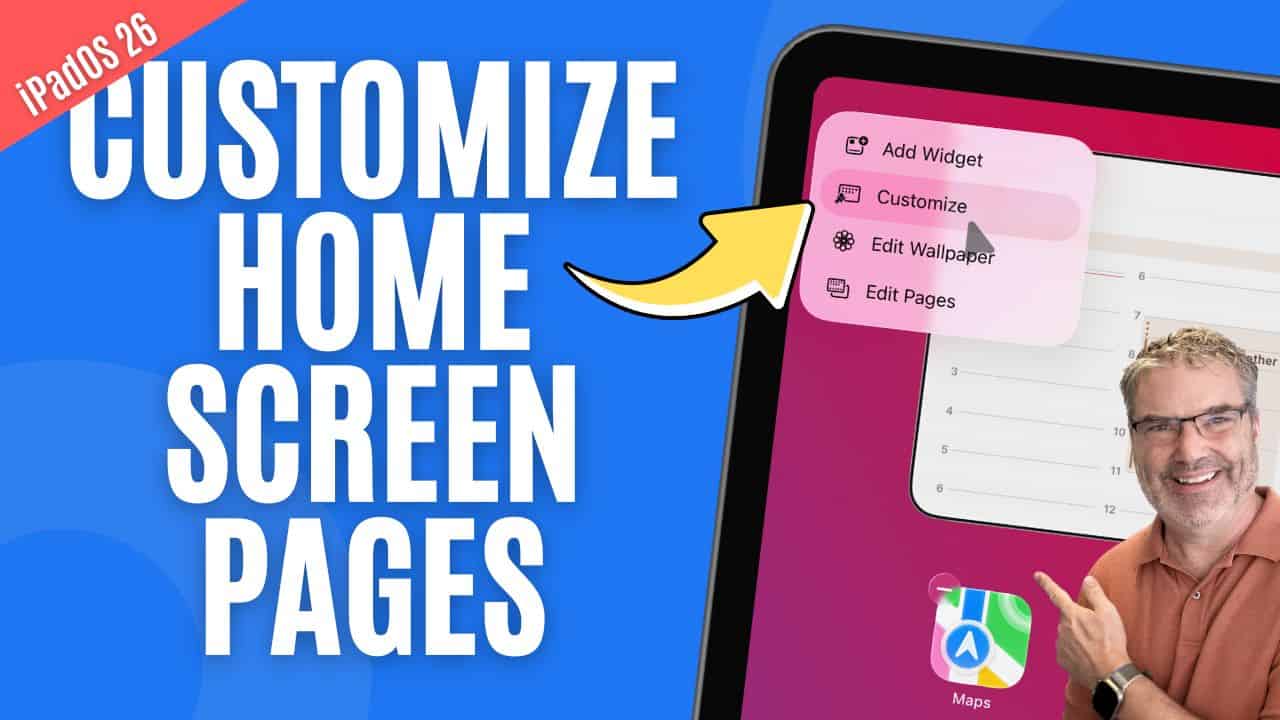
Customize Home Screens in iPadOS 26
Introduction Your iPad’s Home Screen is more than just a place for apps—it’s your daily starting point. With iPadOS, Apple gives you a variety of ...
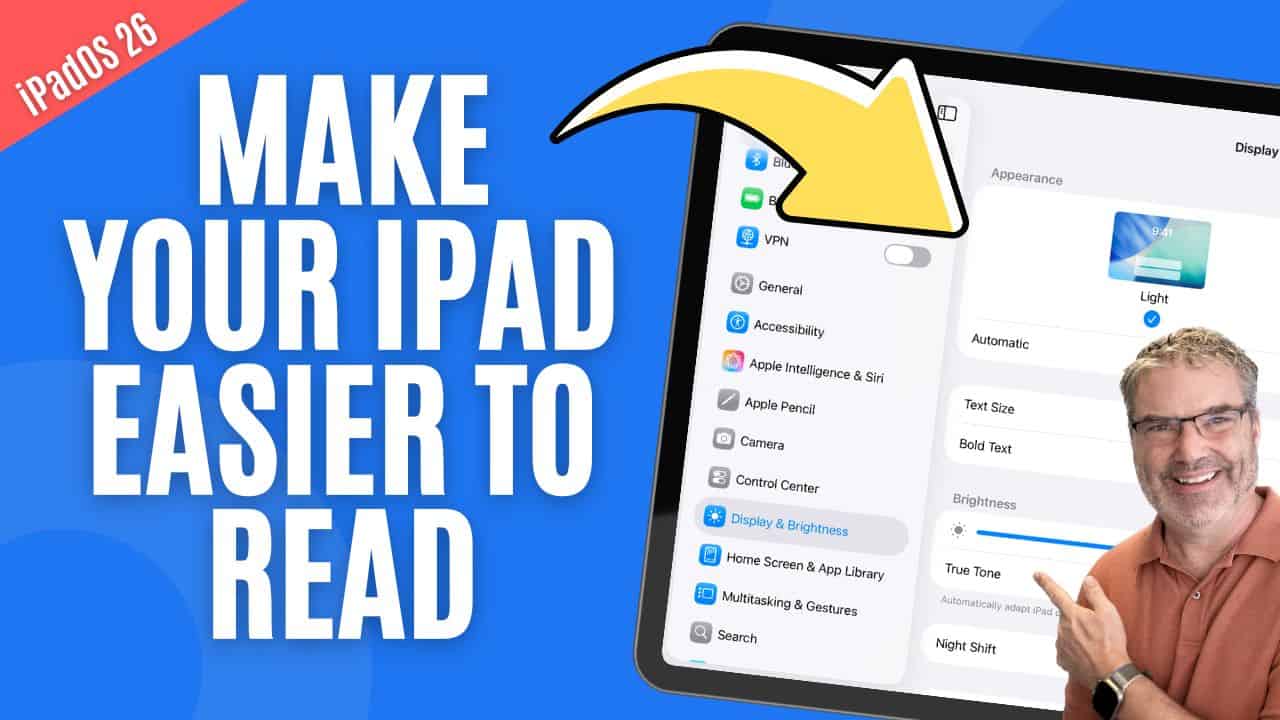
Personalize your Display Settings
Adjusting Your iPad’s Display to Fit Your Needs Your iPad’s display settings can be customized in several ways to make the screen easier to read, ...
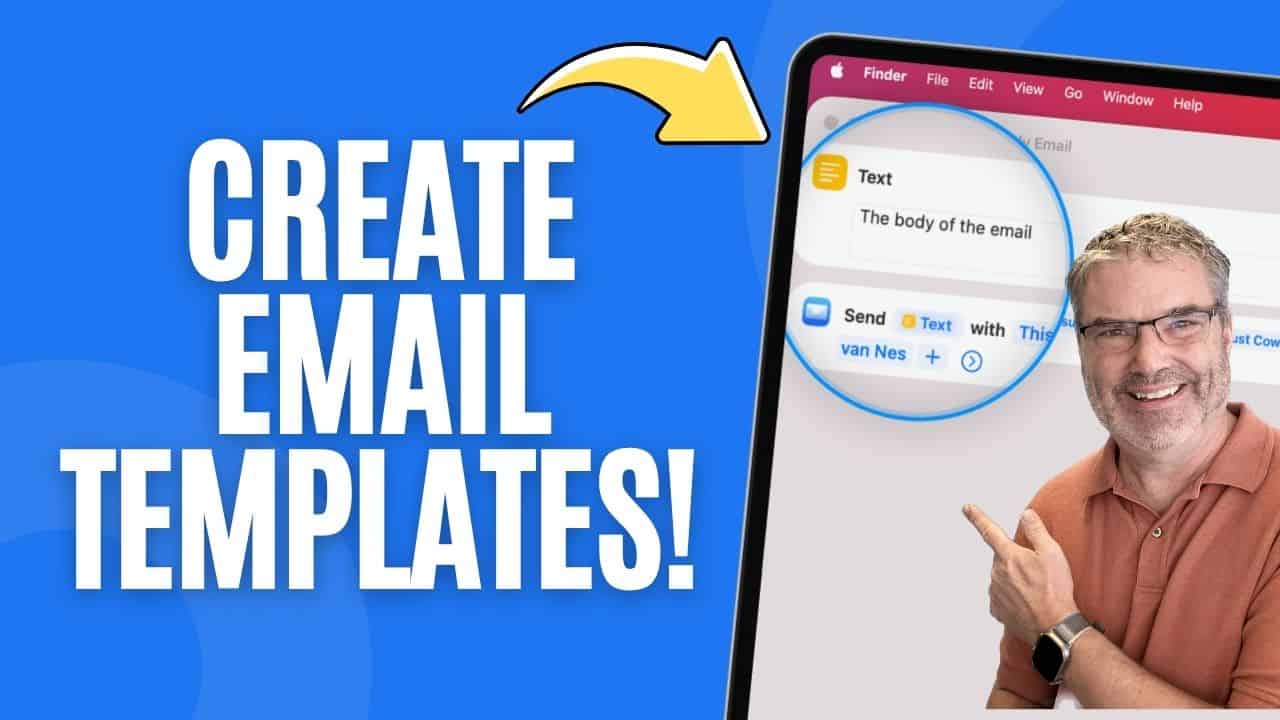
Create Mail Templates
Create an Email Template with Shortcuts Sending the same type of email again and again? Whether it’s a weekly update, a reminder, or a check-in, ...
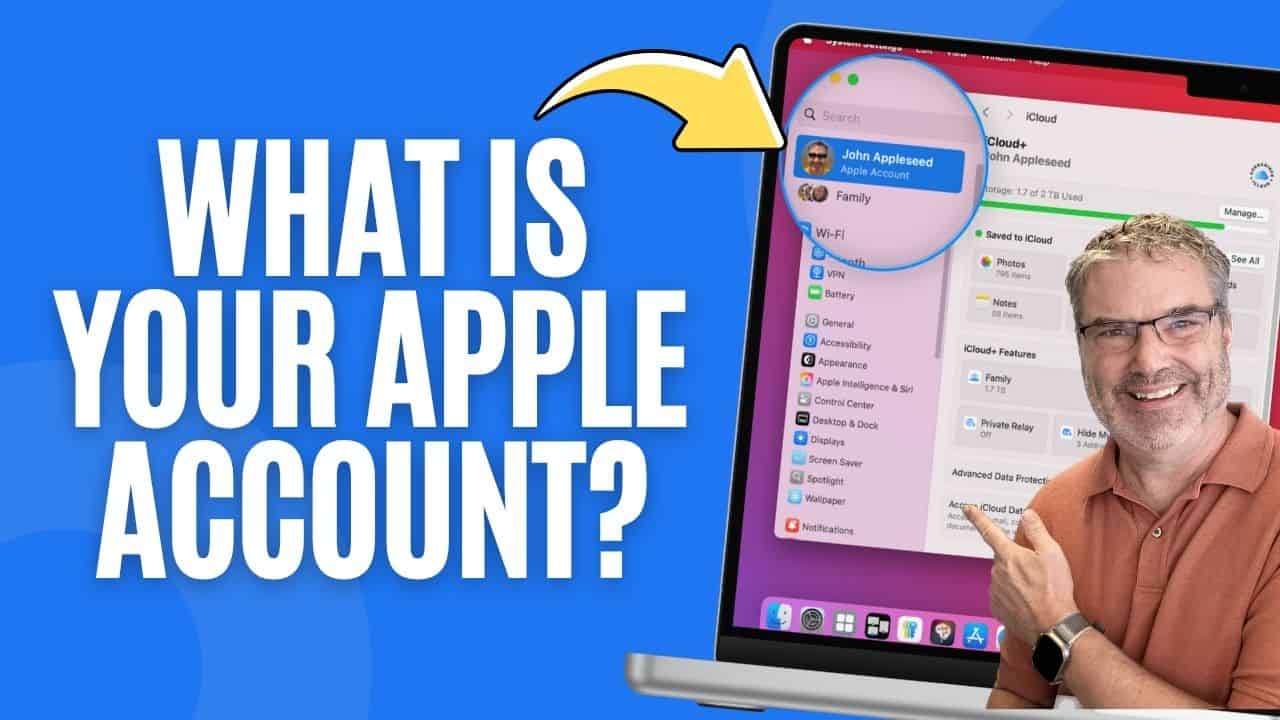
Apple Account: What It Does (and Why You Should Care)
Understanding Your Apple Account and Why It Matters Your Apple Account is the key to unlocking everything across your Apple devices. It keeps your data ...
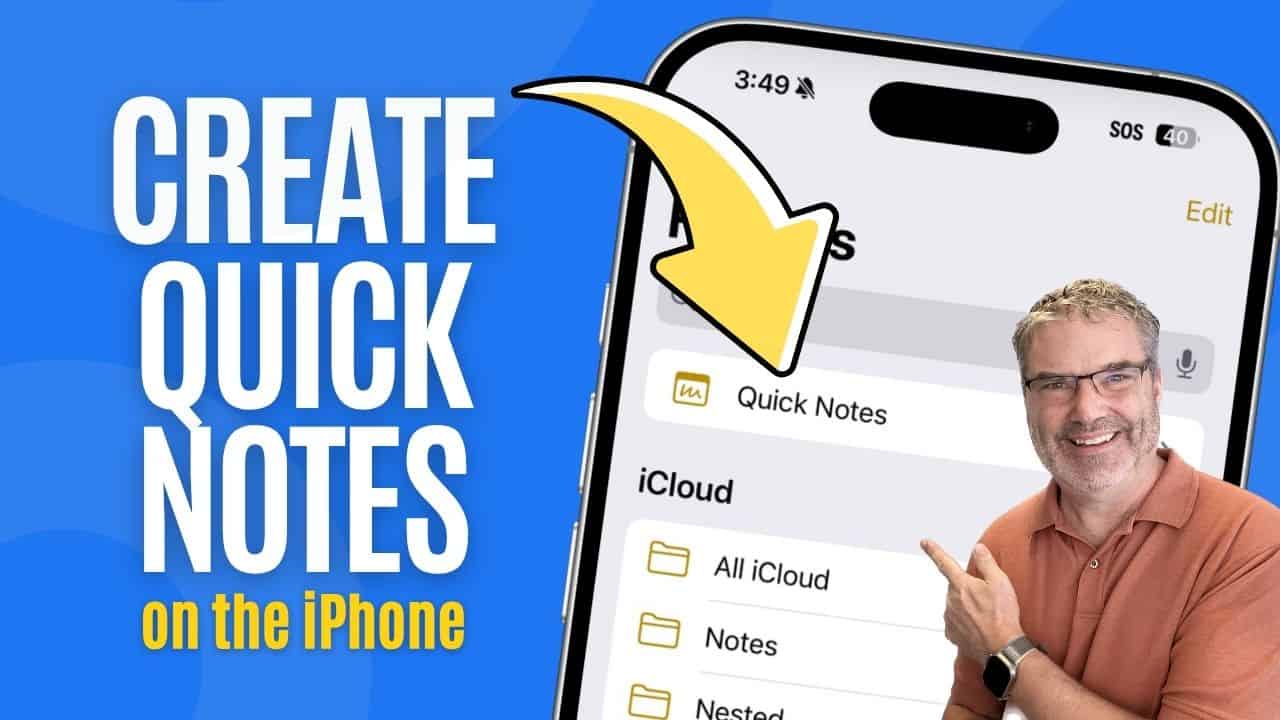
Create Quick Notes on the iPhone
Quickly Capture Thoughts with Quick Notes The Notes app on your iPhone includes a handy feature called Quick Notes, designed to help you jot things down ...
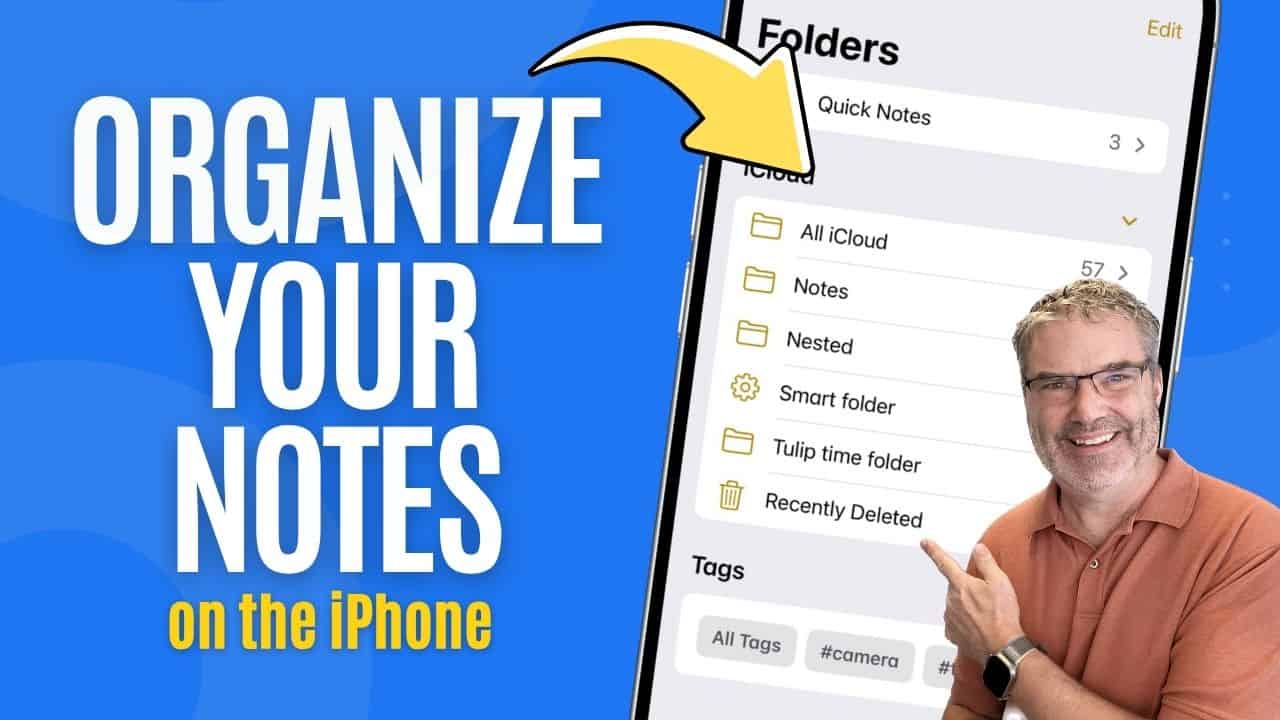
Keep your Notes Organized on the iPhone
Organize Your Notes More Effectively Keeping your notes organized can make a big difference in how easily you find and use them. If you’re using ...
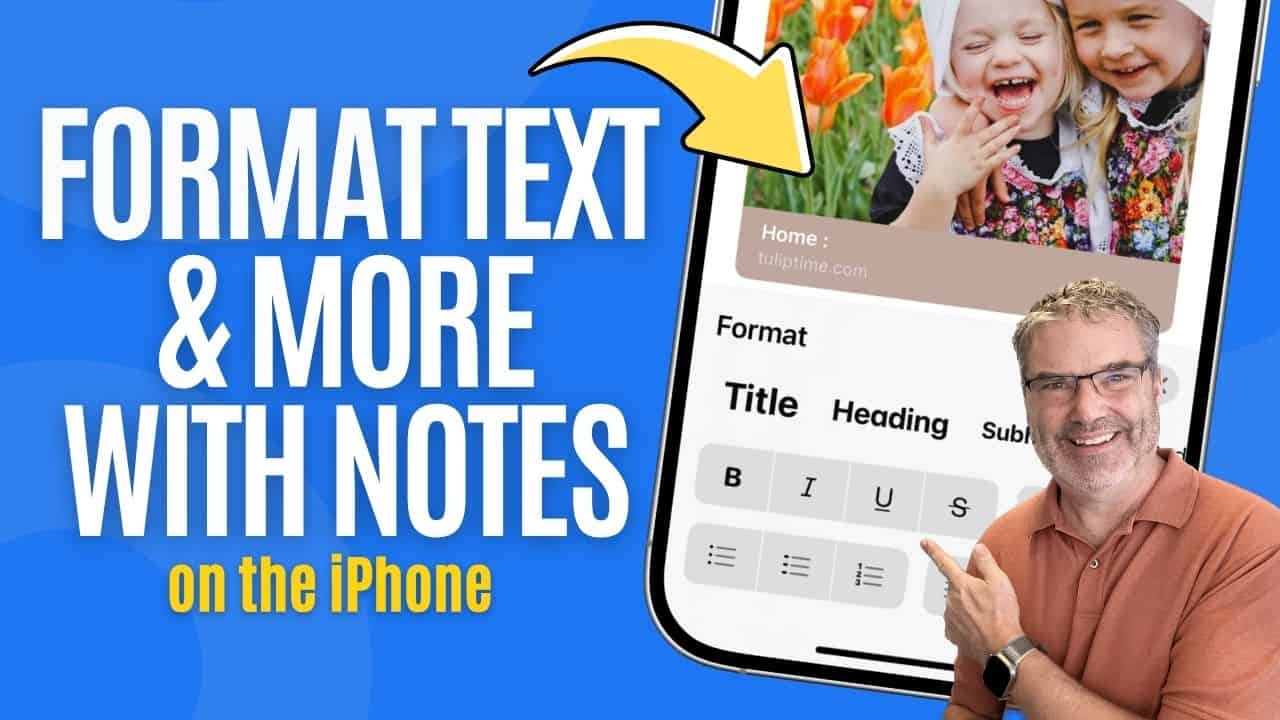
Format Text and More with Notes on the iPhone
Make Your Notes More Useful If you’re already using the Notes app on your iPhone for simple reminders or quick thoughts, you might be surprised ...
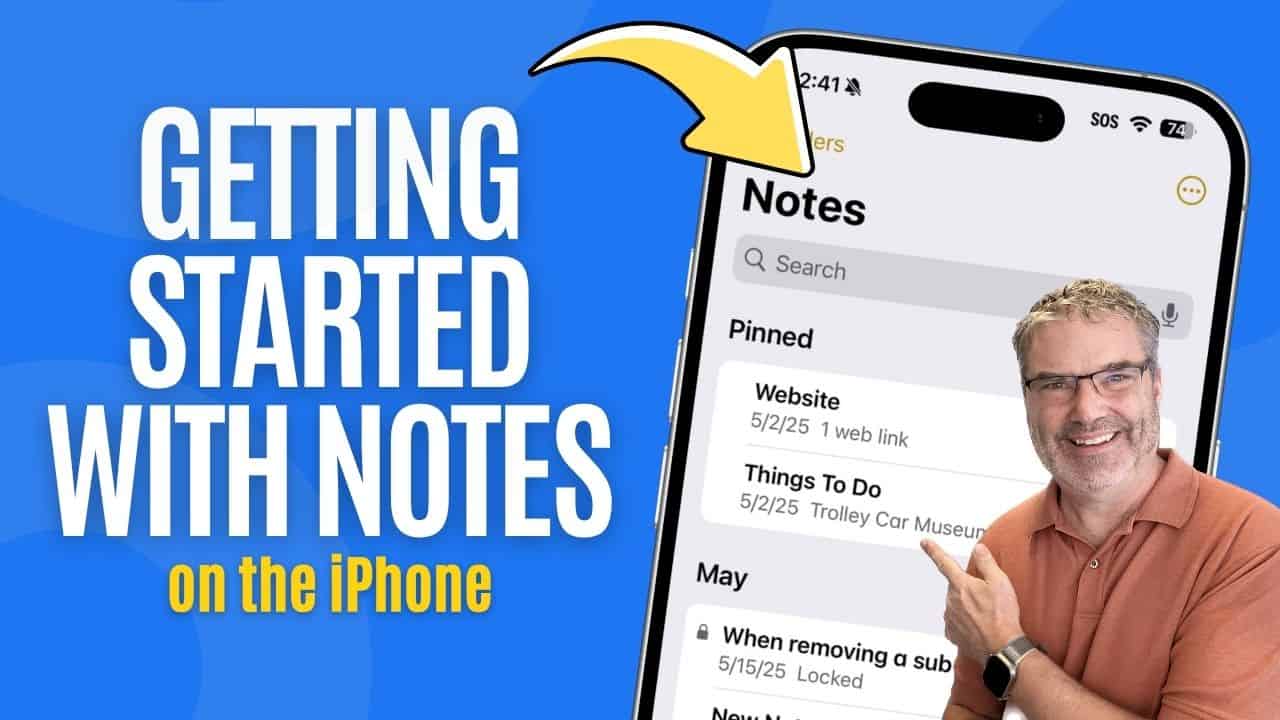
Getting Started with Notes on the iPhone
The Notes app is a powerful tool that comes built into every iPhone, making it easy to capture thoughts, lists, and reminders anytime. Whether you’re ...
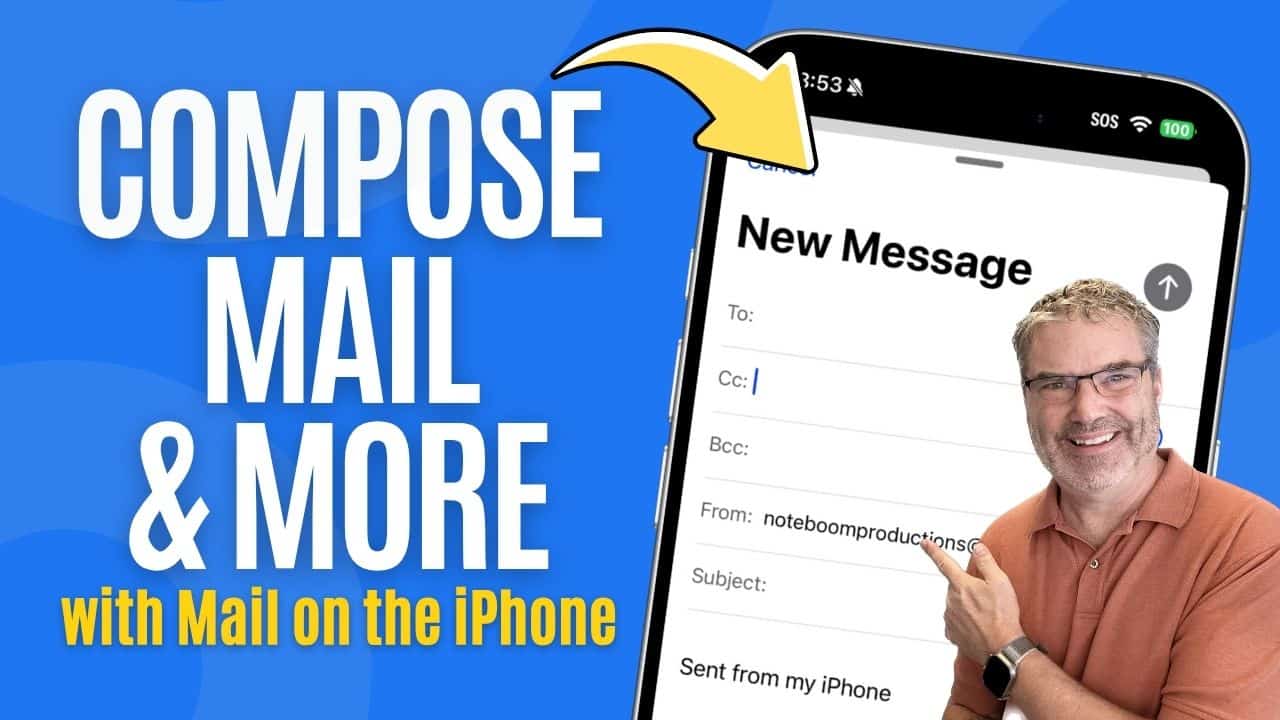
Send, Unsend, Format an Email on iPhone
Composing and Managing Emails on Your iPhone Writing emails from your iPhone is more powerful and flexible than many people realize. Whether you’re just sending ...
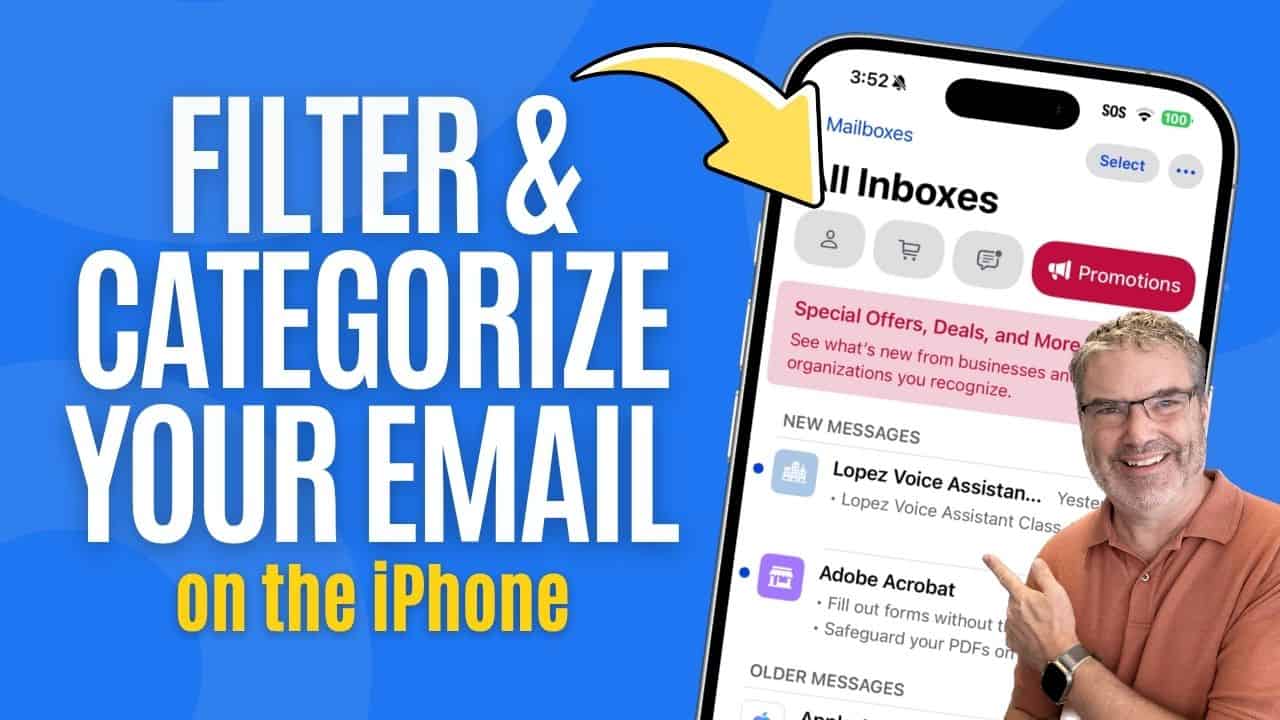
Filter and Categorize your Email on the iPhone
Organize Your Inbox with Filters and Categories Apple has made it easier than ever to sort and manage your inbox with filters and the new Categories feature ...
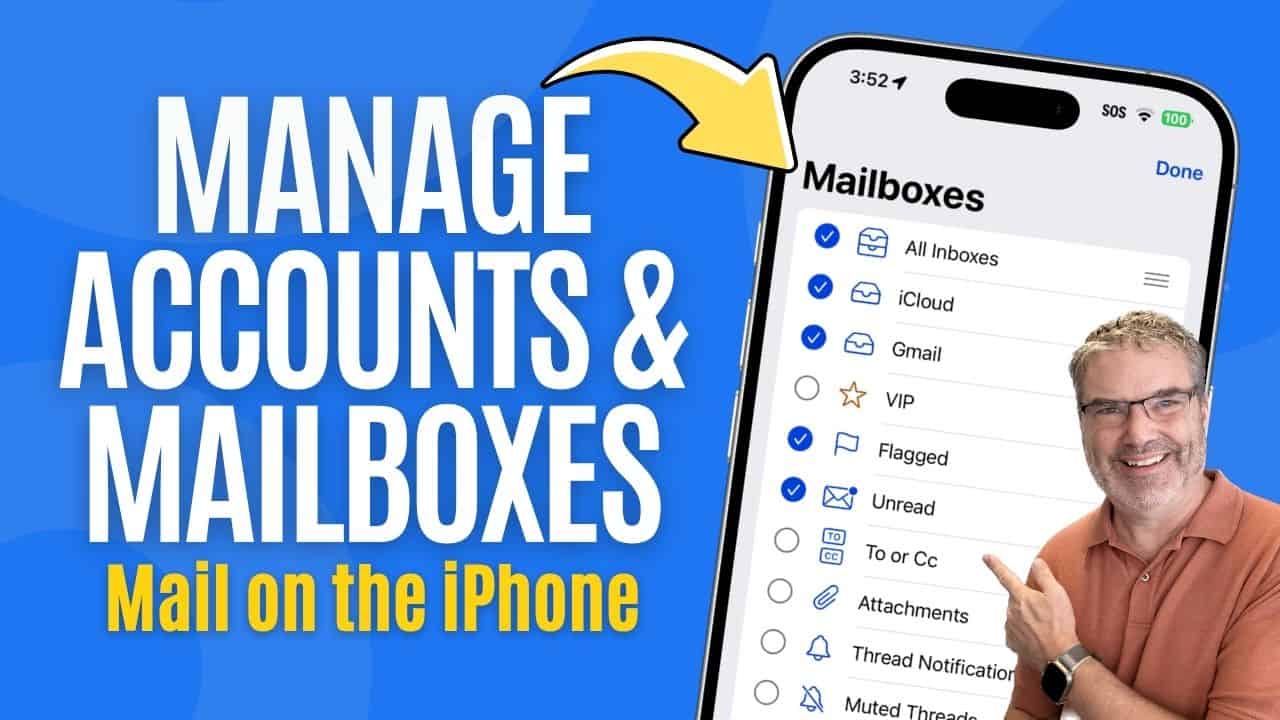
Manage Email Accounts and Mailboxes
Managing Email Accounts and Favorites in the Mail App Staying on top of email is much easier when the Mail app is set up to ...
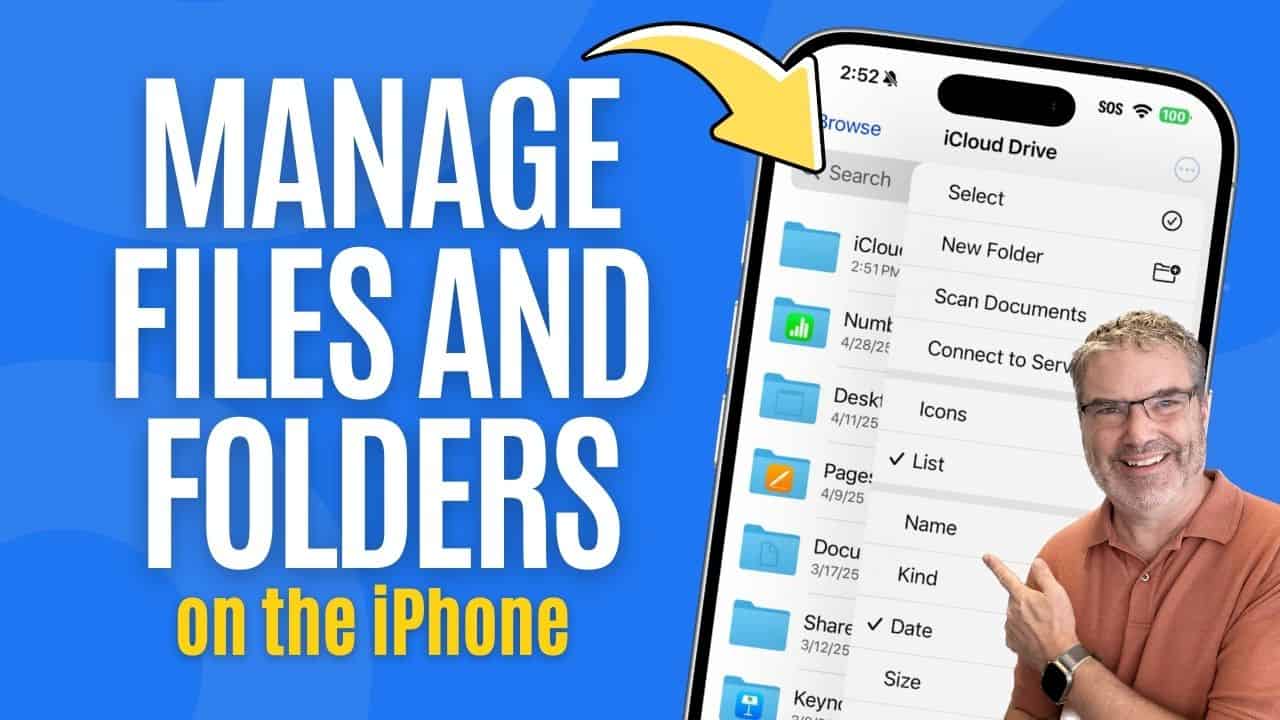
Manage Documents with the Files App
Introduction to the Files App The Files app on the iPhone is designed to help you manage your documents, images, and folders from one central ...

Want Directions? Apple Maps on the iPhone Shows You the Way!
Getting Directions with the Maps App The Maps app on the iPhone is a helpful tool for getting from one place to another. It allows ...

Need Local Business Info Fast? Here’s How Apple Maps on the iPhone Helps!
Using Apple Maps to Look Up Local Information Most people think of the Maps app as a way to get from one place to another. ...