
Can You Really Organize Contacts on iPad? Yes — Here’s How!
Introduction Keeping your contacts organized on your iPad helps you stay connected effortlessly — whether you’re reaching out to family, friends, or colleagues. The Contacts app makes

New name. New site. Same owner. Same highly rated training for your Mac, iPad, iPhone, Apple Watch, and Apple TV.
If you are, you get a complimentary membership! You are almost all set. I imported your username, but you need to reset your password on the new site.
Take notes while watching a lessons. Find all your notes later under your Dashboard.
You have a complimentary membership if you have a membership on my old Noteboom Tutorials site.
The site keeps track of tutorial progress including what lessons and tips you have taken.
Introduction Keeping your contacts organized on your iPad helps you stay connected effortlessly — whether you’re reaching out to family, friends, or colleagues. The Contacts app makes
Introduction Did you know your iPad can make and receive phone calls? This was introduced with iPadOS 26. With a few simple settings, your iPad
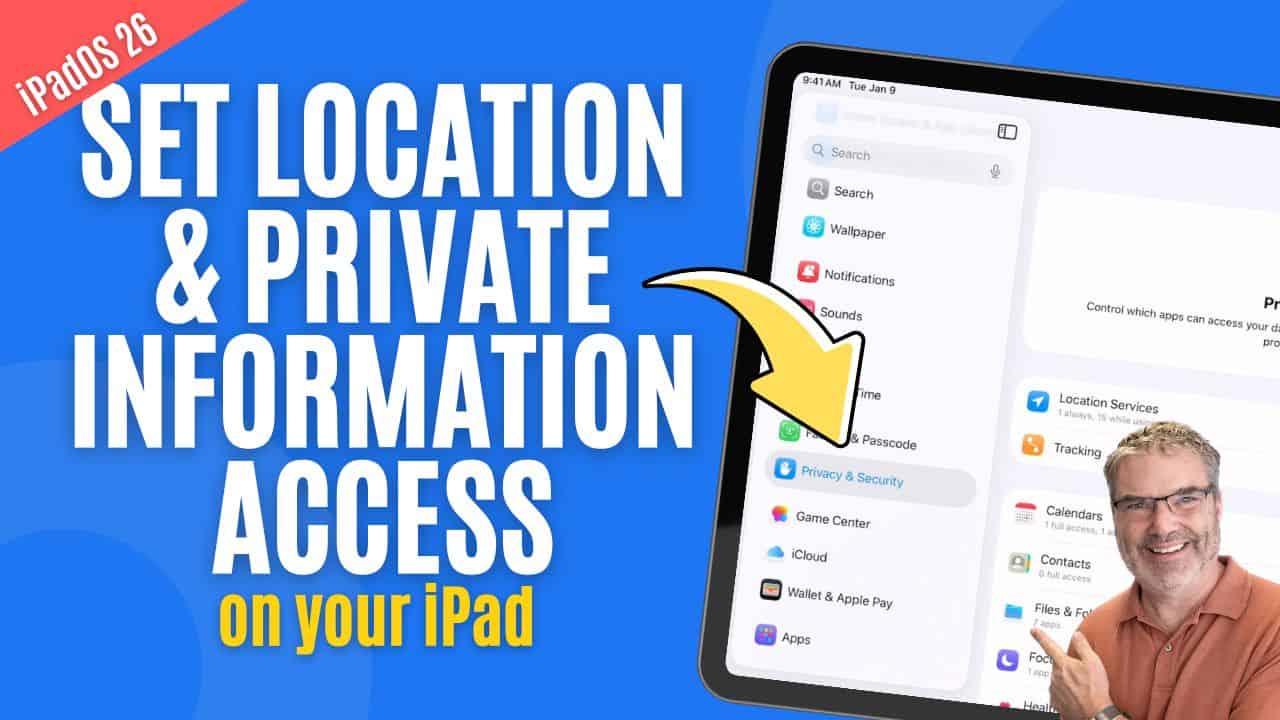
Introduction Keeping your information private is easier than ever on the iPad. Whether you want to protect a sensitive app with Face ID or simply
Introduction The Control Center on the iPad gives you quick access to your most-used features—like adjusting brightness, connecting to Wi-Fi, or enabling Focus modes. With iPadOS, Apple
Introduction Managing your email accounts on your iPhone is easier than ever. Whether you use iCloud, Gmail, Outlook, or another provider, the Mail app on your iPhone
Introduction The iPad has always been known for its clean, simple interface, but as Apple continues to add more powerful features, it’s becoming a serious
My goal is to help you get the most out of your Apple Devices through my easy-to-follow video tutorials, tips, and online chat support.
Click edit button to change this text. Lorem ipsum dolor sit amet, consectetur adipiscing elit. Ut elit tellus, luctus nec ullamcorper mattis, pulvinar dapibus leo.
Join today and join my growing list of happy students who are learning more about their Mac's, iPad's, iPhone's, Apple Watch's, and Apple TV's.