Get GIFs fast with Gnome ↦


My friend Lex Friedman wrote an app, Gnome, that makes it easy to post GIFs:
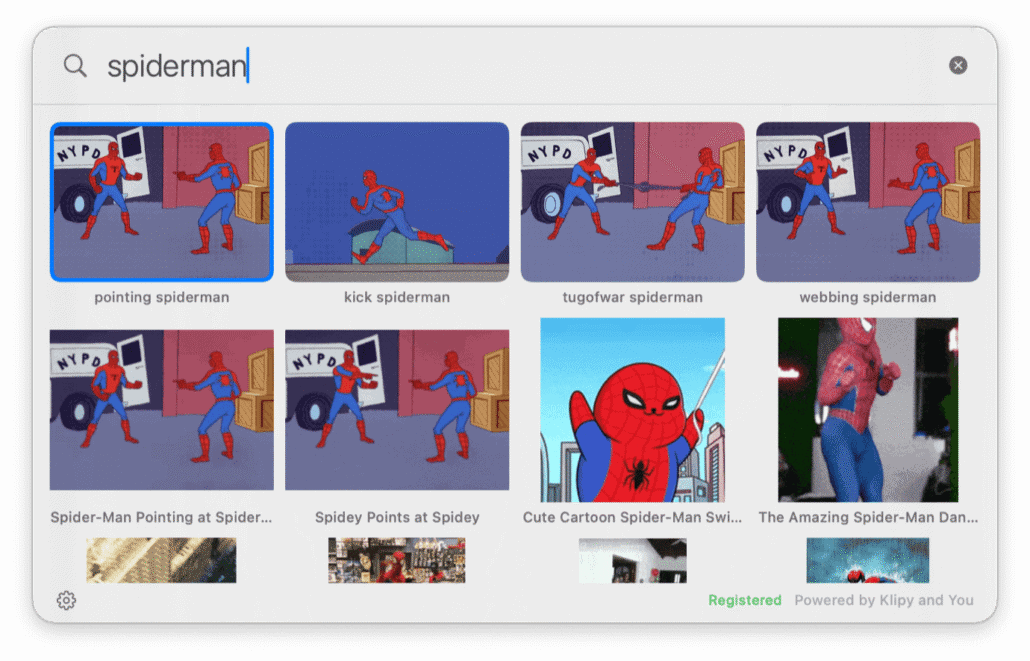
Gnome lives in your Mac’s menubar. You hit a hotkey. A little search window appears. You type what you’re looking for — weird al, shrug, nailed it, that’s a paddlin’ — and a grid of GIFs appears. Click the one you want. It’s now on your clipboard. Paste it wherever you were typing. Joke saved. World improved.
My favorite bit: You can also add in a local folder of GIFs, so your own go-tos are always at the ready, in addition to stuff from the wider Internet.
Maybe my second favorite bit:
Wait, why is the app called Gnome? Because that’s how I pronounce the “G” in “GIF.”
The app costs $7, one time, to unlock everything. Otherwise, after five minutes you’ll be limited to “Weird Al” and Rick Astley GIFs. I’m not kidding.