
Noteboom Tutorials

Noteboom Tutorials is now Dan's Tutorials

New name, new site. Same owner, same highly rated training for your Mac, iPad, iPhone, Apple Watch, and Apple TV.

Affordable Training

Plans start out around $5 month, or about the cost of a good cup of coffee.

Video Tutorials

All tutorials are organized and include easy-to-follow video lessons.

Events

Online Classes and Webinars are included.

Take Notes

Take notes while watching a lessons. Find all your notes later under your Dashboard.

All my Lessons are Included

All my plans unlock all my video lessons - over 1,800 of them!

Course Tracking

The site keeps track of tutorial progress including what lessons and tips you have taken.

Events

Latest Past Events

New And Updated Lessons​

Here are my latest tips and lessons I've added and updated.

Lesson

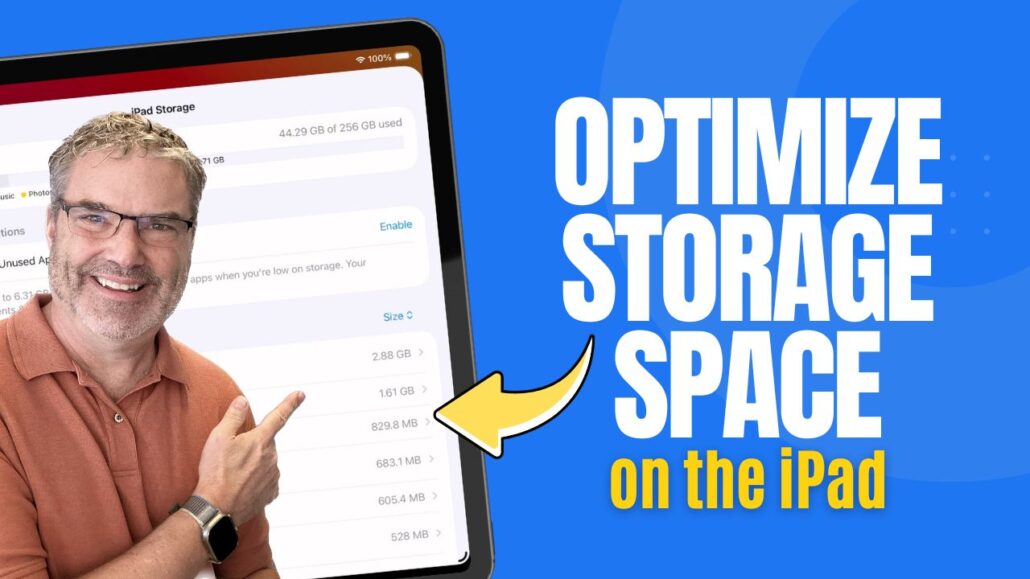
Optimize your iPad Storage

Introduction Storage fills up over time — apps get larger, photos and videos accumulate, and files quietly take up space in the background. Instead of ...
Lesson

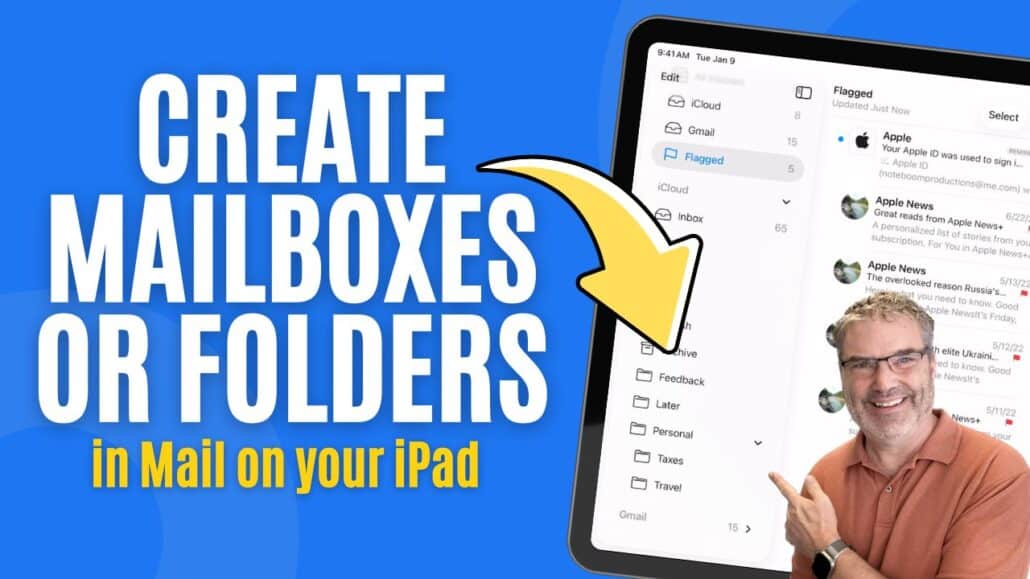
Manage Mailboxes or Folders in Mail

Manage Mailboxes in Mail on the iPad The Mail app on the iPad gives you more than just an inbox. It also gives you a ...
Lesson

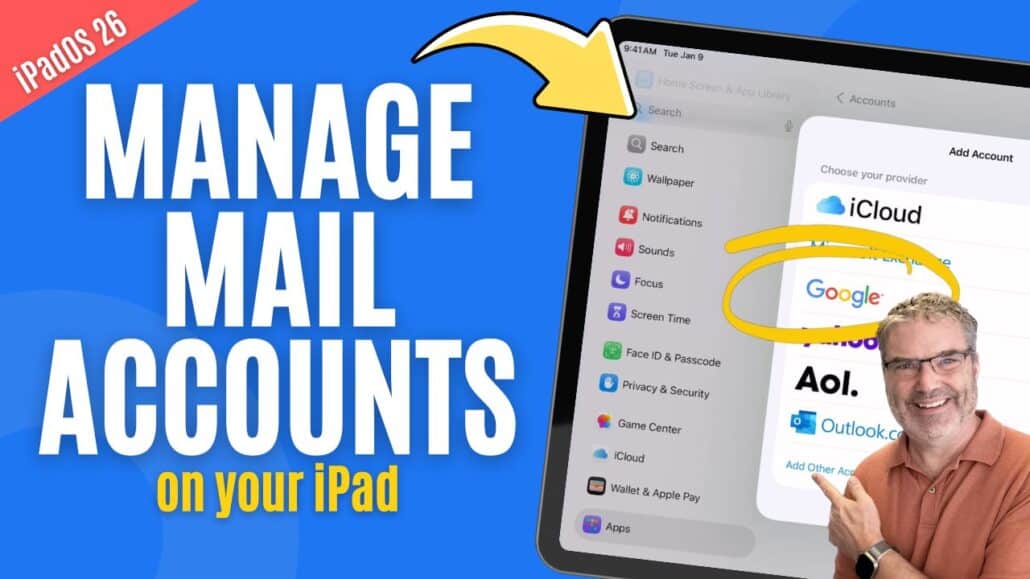
Manage Mail Accounts

Introduction Your iPad can manage email from multiple services, such as iCloud, Gmail, Outlook, or Yahoo. Each of these is added to the iPad as ...
Lesson

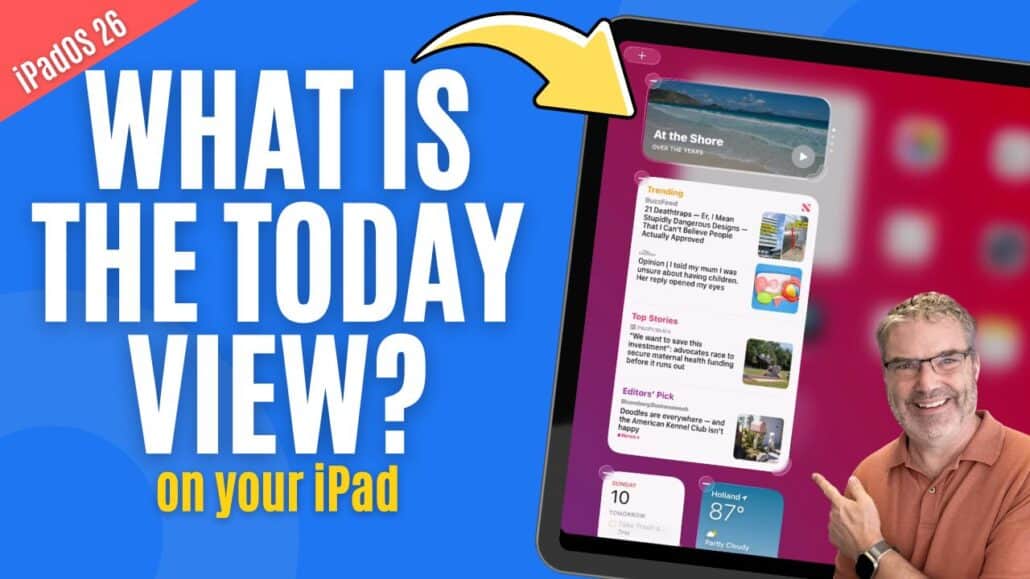
Can Today View Make Your iPad More Useful? Yes!

Introduction Widgets are designed to give you quick access to useful information without opening apps. On the iPad, one of the easiest places to view ...
Lesson

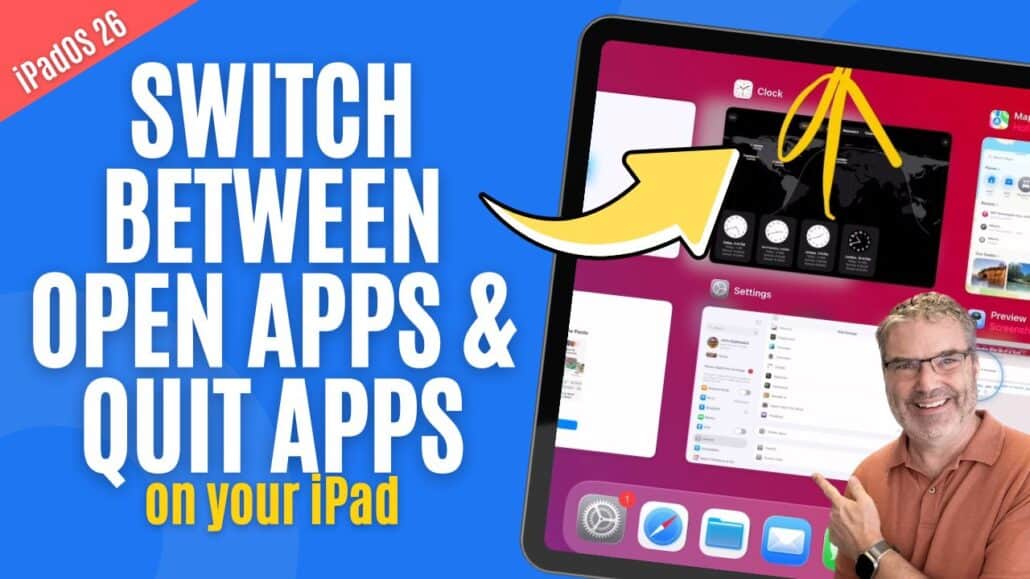
How to Switch Apps and Force Quit Apps on iPad

Introduction As you use your iPad throughout the day, it’s common to open multiple apps and move between them frequently. Knowing how to quickly switch ...
Lesson

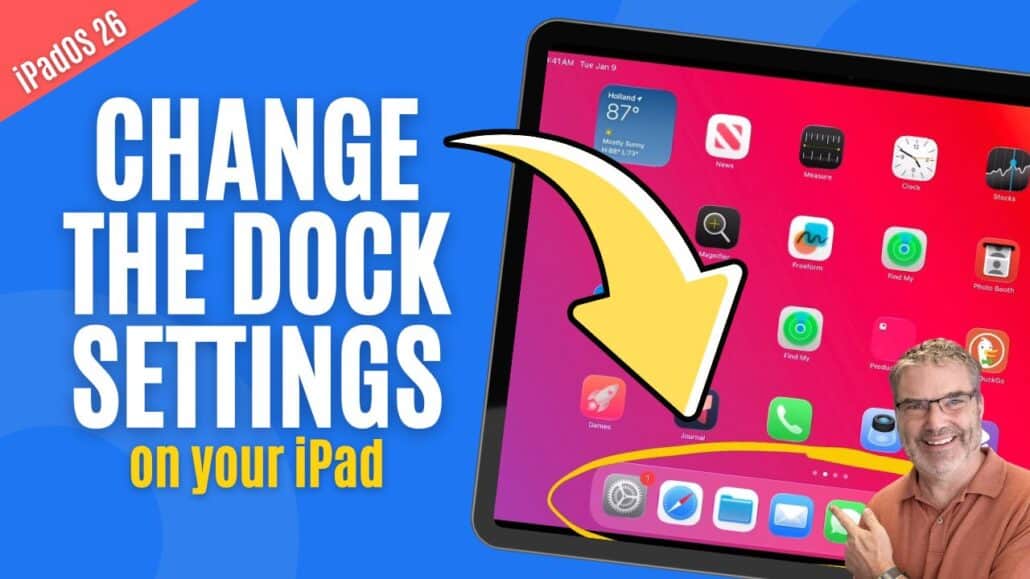
Is Your iPad Dock Set Up Right? Let’s find out!

Introduction The Dock is one of the most powerful navigation tools on the iPad, yet many people never fully take advantage of it. It gives ...

Join My Growing Number of Happy Students Today!

Join today and join my growing list of happy students who are learning more about their Mac's, iPad's, iPhone's, Apple Watch's, and Apple TV's.