

Scan your Vaccination Card for Easy Access
Do you want to keep your vaccination card on your iPhone, so you always have a copy of it with you? You can do this by scanning it with the Notes app.…

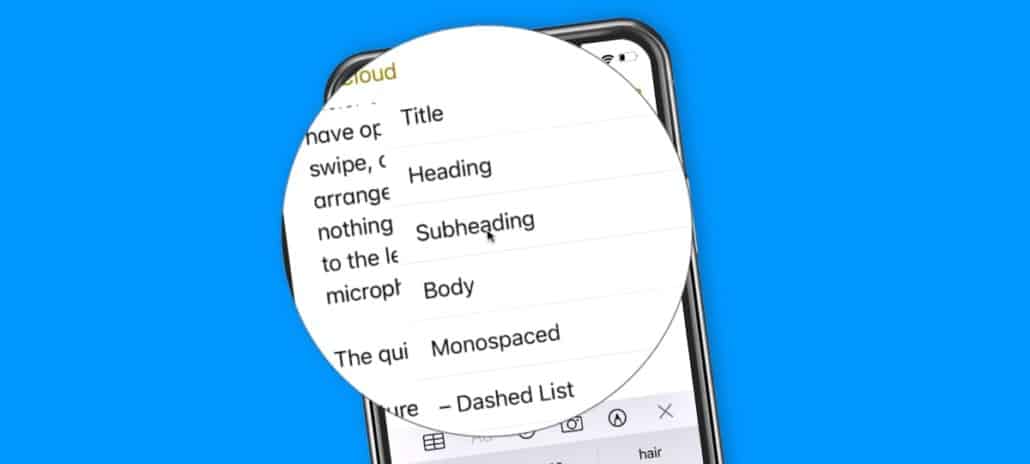
Learn how to use Quick Styles to quickly style text in a note on the iPhone. In iOS 14, Apple introduced Quick Styles in the…

Learn about the Top Hits category in your search results in the Notes app on the iPhone. With iOS 14, Apple introduced a new category…
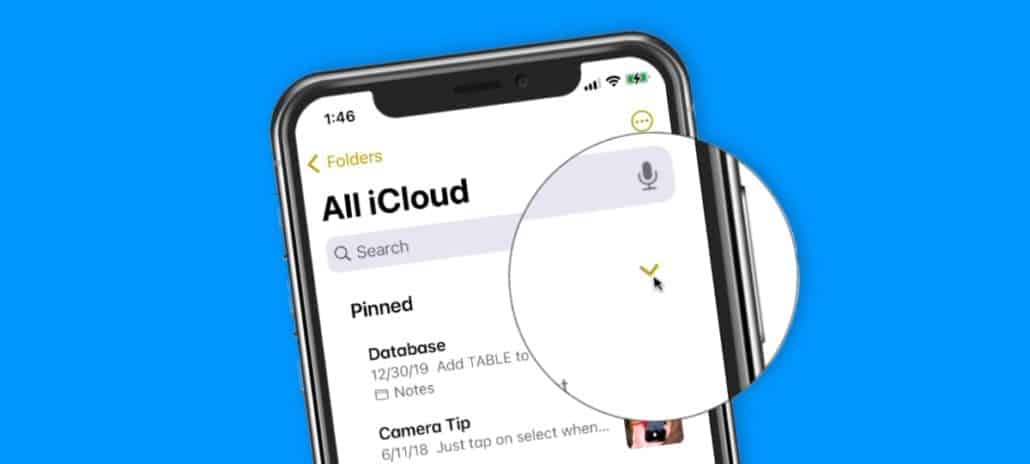
Learn how to collapse your pinned notes in the Notes app on the iPhone. With iOS 14, Apple made a small redesign to the Notes…

In this lesson for What’s New on the iPhone with iOS 13, I look at the what’s new in the Notes app. With the Notes…

In this lesson for the Notes app on the Mac, I look at how to protect or secure a note with a password in the…
In this lesson for the Notes app on the Mac, I look at how to setup a note for collaboration, where multiple people can work…
In this lesson for the Notes app on the Mac, I look at how to browse our various note attachments in the Notes app.
In this lesson for the Notes app on the Mac, I look at how to add a map from the Maps app to a note…
In this lesson for the Notes app on the Mac, I look at how to markup a photo in the Notes app.
In this lesson for the Notes app on the Mac, I look at how to add photos and videos to a note in the Notes…
In this lesson for the Notes app on the Mac, I look at to add and edit links in a note as well as how…