

Mentions in Conversations
Learn how mentions work in group conversations including sending notifications when a name is mentioned. With the Messages app, if you are in a group…
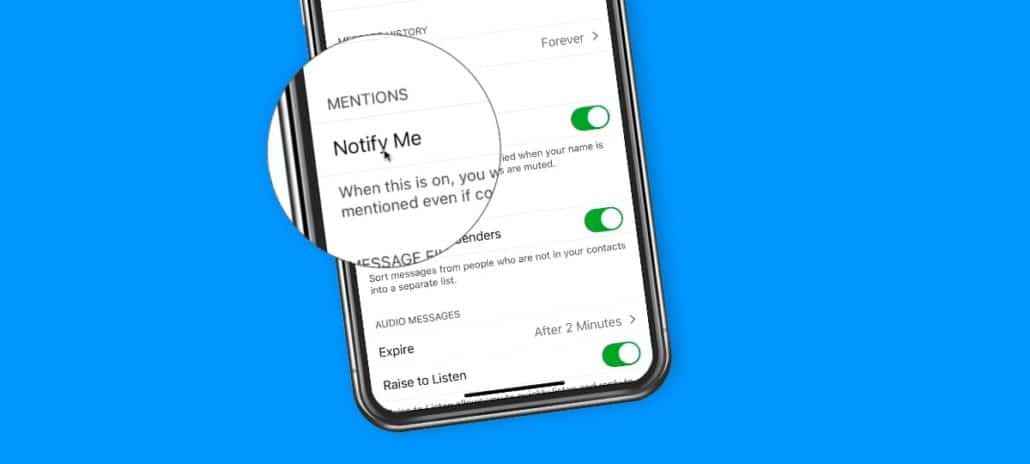
Learn how mentions work in group conversations including sending notifications when a name is mentioned. With the Messages app, if you are in a group…
Learn how to use your iPhone as a magnifier, including adding the Magnifier to your Home Screen. With the iPhone, you could always use it…

Learn how to reply to messages within a group message on the iPhone. When you are in a group conversation, you can now reply to…
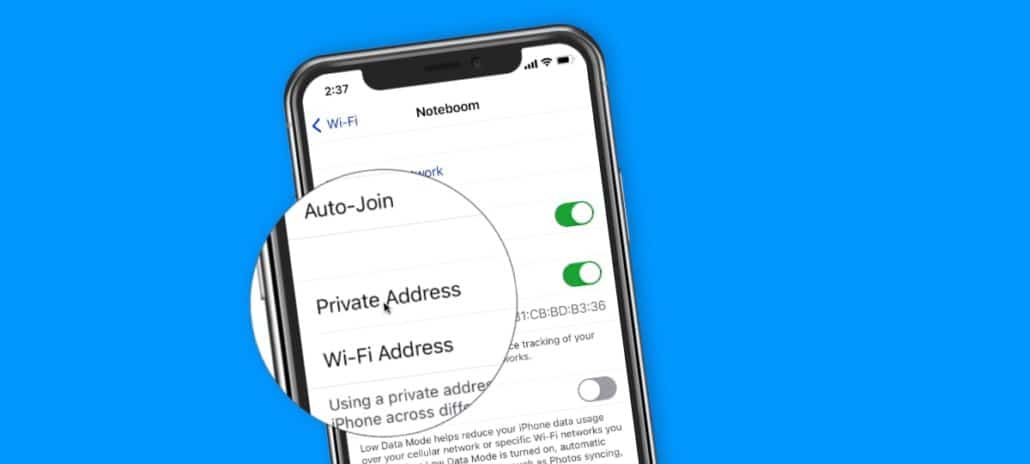
Learn how to make sure your iPhone is using private Wi-Fi addresses to prevent tracking and profiling. With iOS 14, your iPhone will now changes…
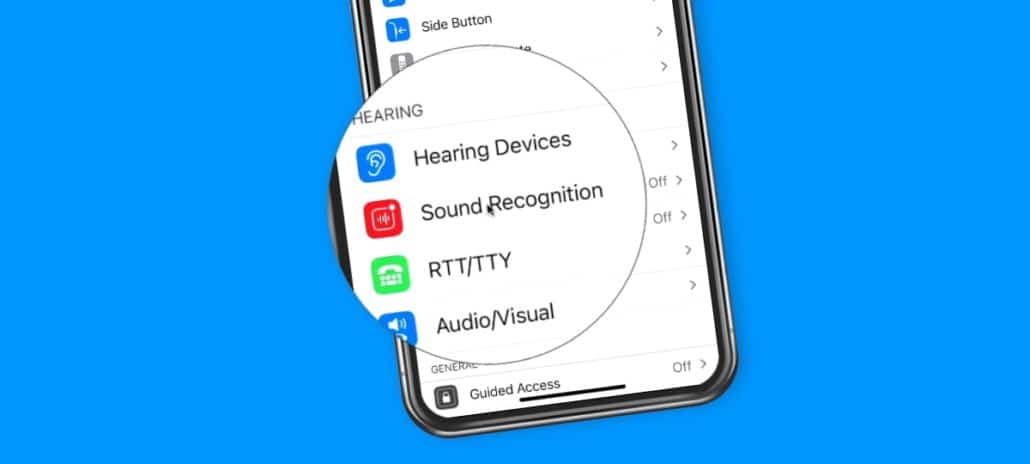
Have the iPhone listen for specific sounds and then have it notify you when it hears one. In iOS 14, Apple introduced a new accessibility…

Learn how to set what happens when you tap the back of the iPhone twice or three times. With iOS 14, Apple introduced the Back…

Learn how to go back through an app’s history stack on the iPhone. When you are buried deep in an app, and you want to…
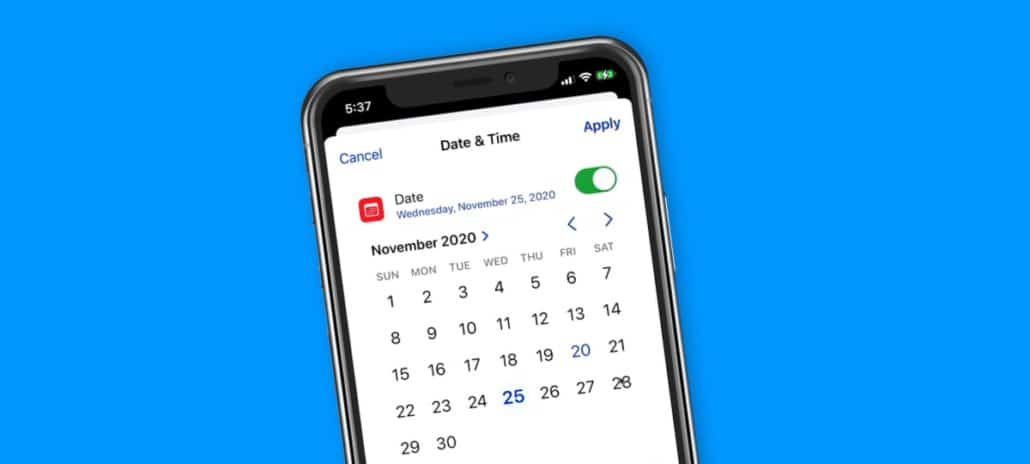
See how the new date and time picker works on the iPhone. In iOS 14, Apple added a new date and time picker. We no…
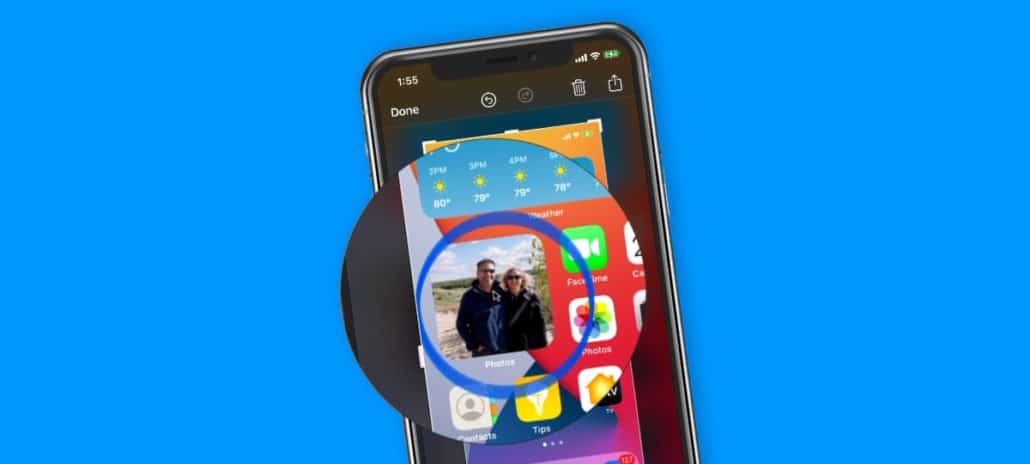
Learn how to have the iPhone detect what shape you are drawing and have it draw it for you. Did you know you could have…
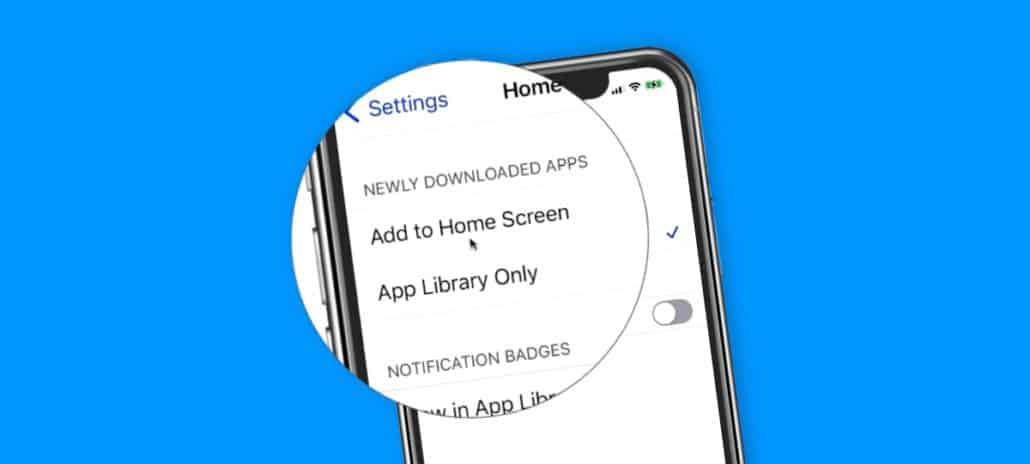
Learn how to set if you want an app downloaded to your Home Screen and App Library, or just your App Library. With iOS 14,…
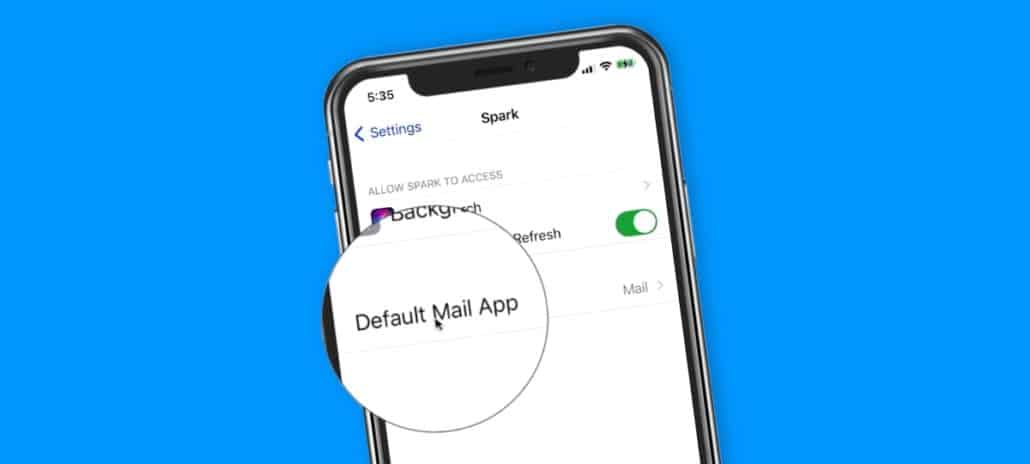
Learn how to set a different mail app, such as Spark, as your default mail app on the iPhone. Did you know you could change…
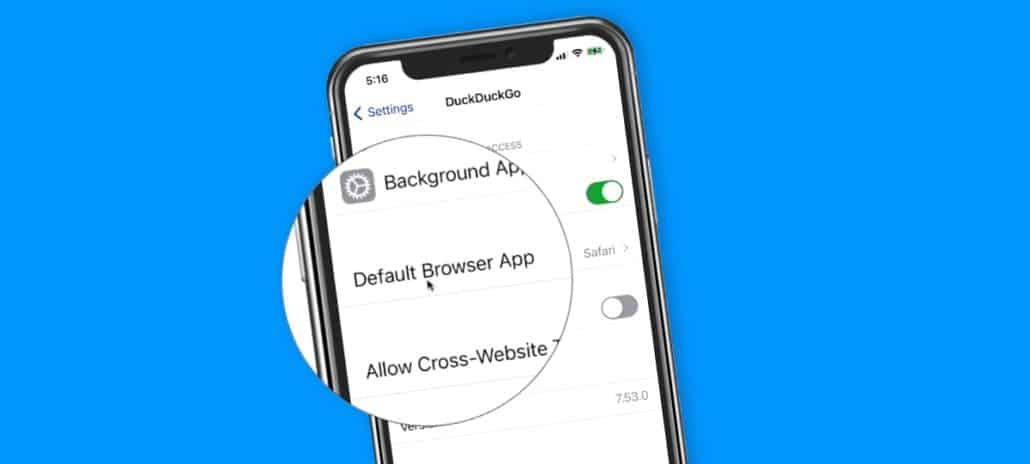
Learn how to set a different browser, such as Duck Duck Go or Google Chrome, as your default browser on the iPhone. Learn how to…