Overwhelmed by Apps on iPad? Let the App Library Help!
Introduction Your iPad gives you several ways to organize and find your apps, and one of the most helpful tools is the App Library. Introduced to…
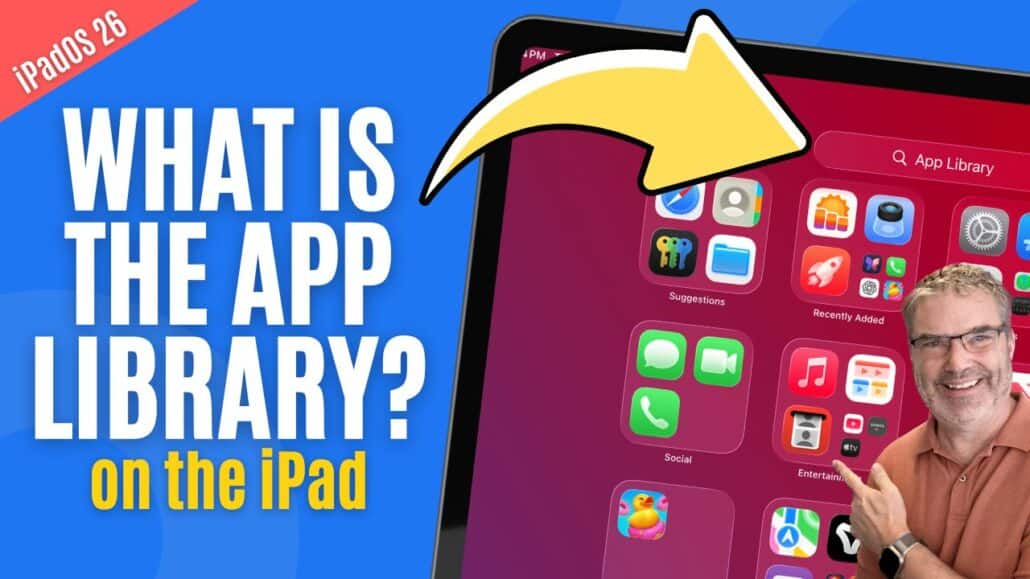
Introduction Your iPad gives you several ways to organize and find your apps, and one of the most helpful tools is the App Library. Introduced to…
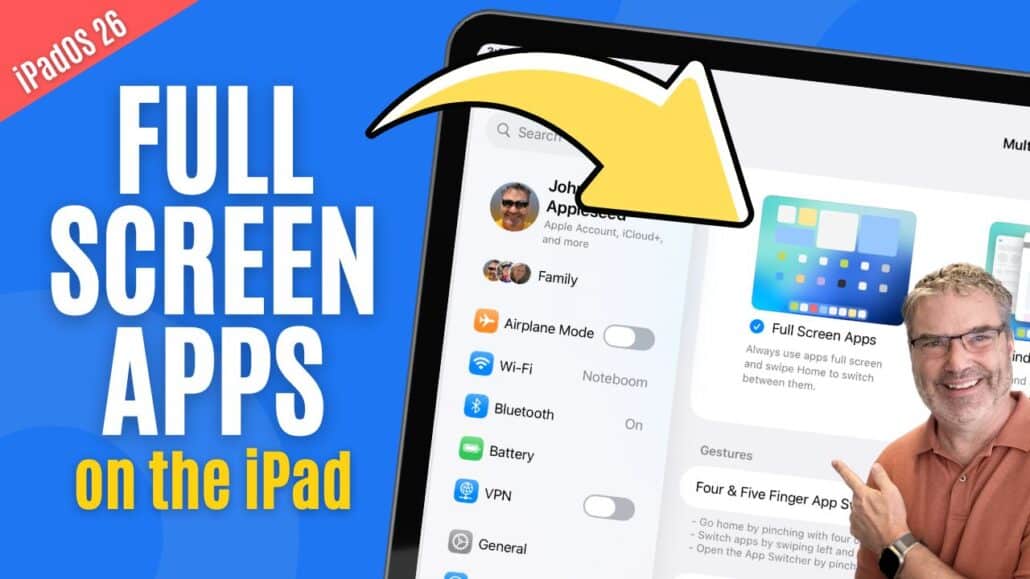
Introduction With iPadOS 26, Apple introduced a new way to use your apps: Full Screen Apps mode. This feature takes advantage of the iPad’s large display…
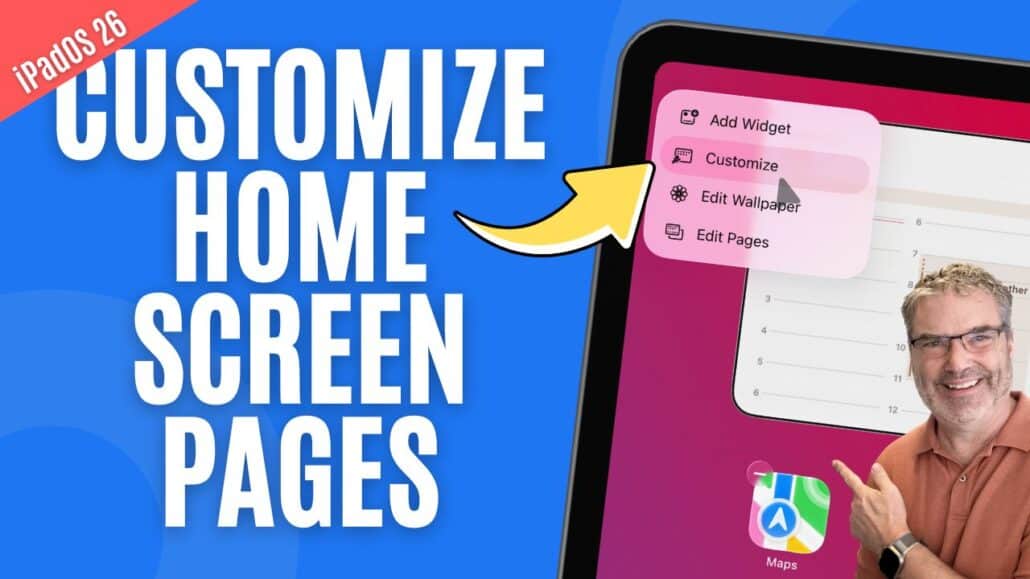
Introduction Your iPad’s Home Screen is more than just a place for apps—it’s your daily starting point. With iPadOS, Apple gives you a variety of…
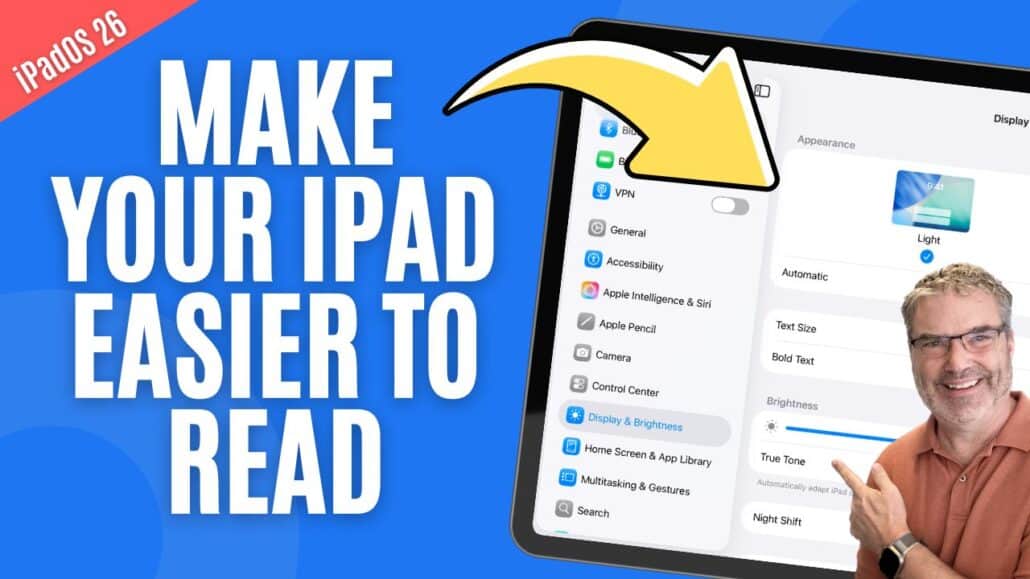
Adjusting Your iPad’s Display to Fit Your Needs Your iPad’s display settings can be customized in several ways to make the screen easier to read,…
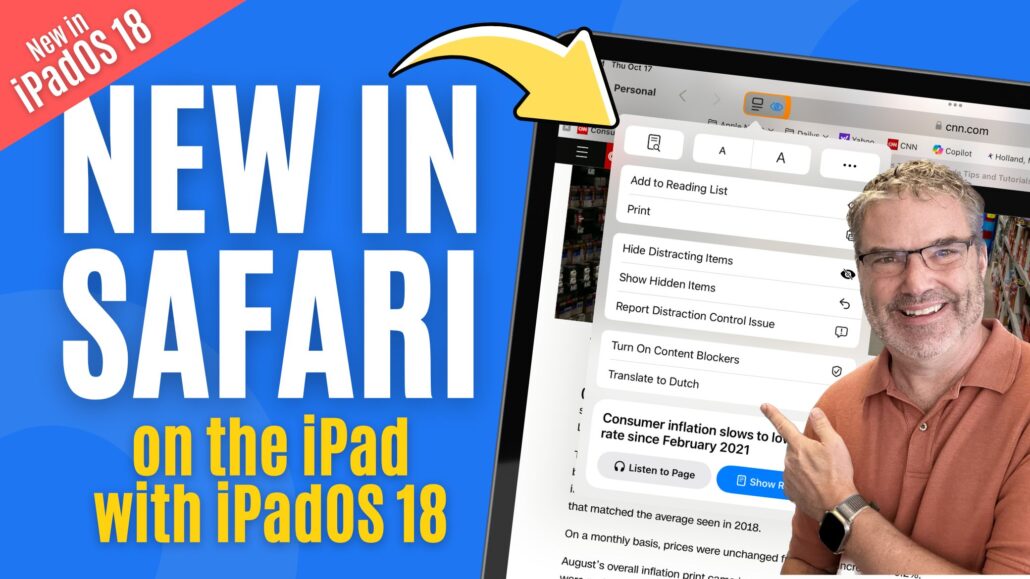
Discovering the New Safari on iPadOS 18 Safari in iPadOS 18 has a new and improved page menu. This menu makes it easier to use…
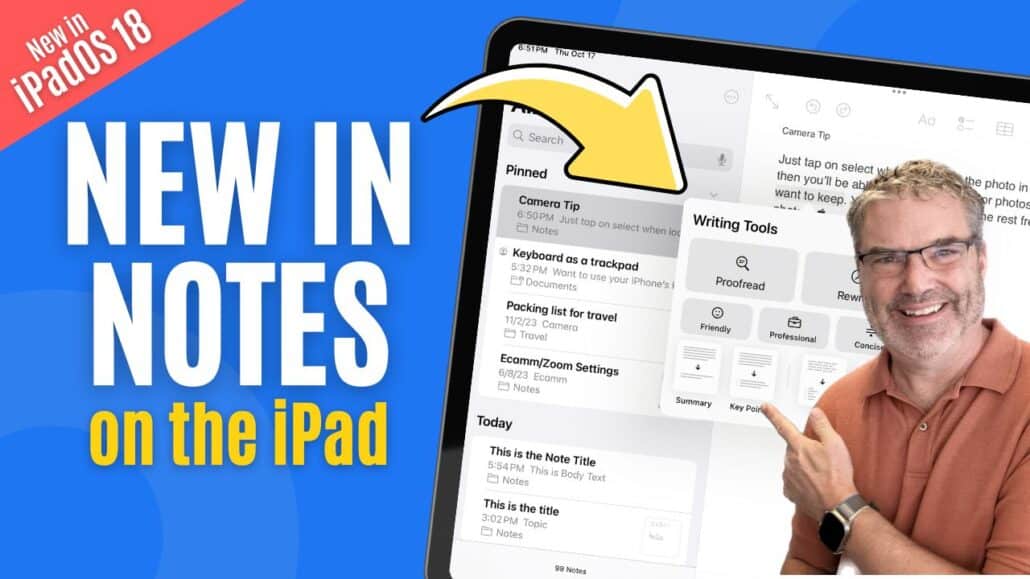
Introduction to New Features in the Notes App on iPadOS 18 In my latest exploration of iPadOS 18, I’ve discovered several new features in the…
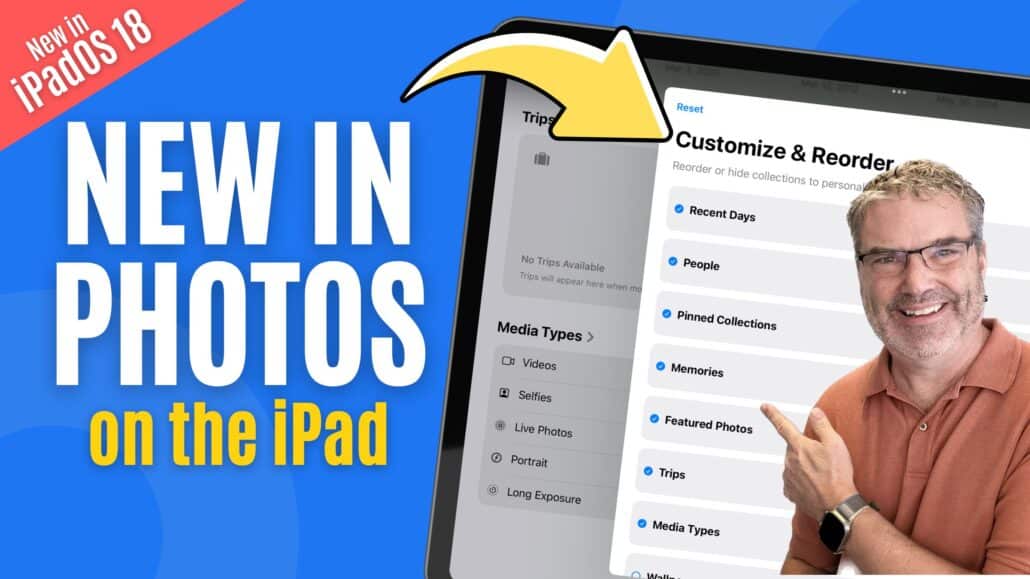
The updated Photos app on iPad with iPadOS 18 brings exciting changes. The thoughtfully redesigned interface immediately catches the eye, though the sidebar remains mostly…
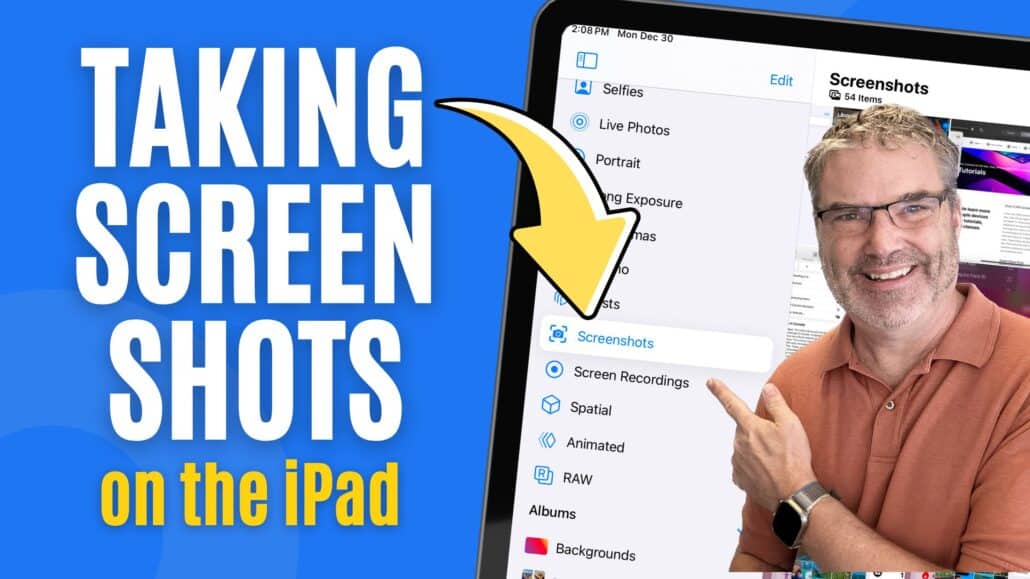
Introduction to New Features in iPadOS 18 for Screen Management As someone who enjoys helping others make the most of their technology, I’m thrilled to…

Introduction to iPad Safari Translation Feature If you are someone who enjoys exploring the vast world of the internet and often come across websites in…

Introduction to Screen Sharing on iPadOS 18 With the release of iPadOS 18, Apple has introduced some groundbreaking features that enhance how we interact with…
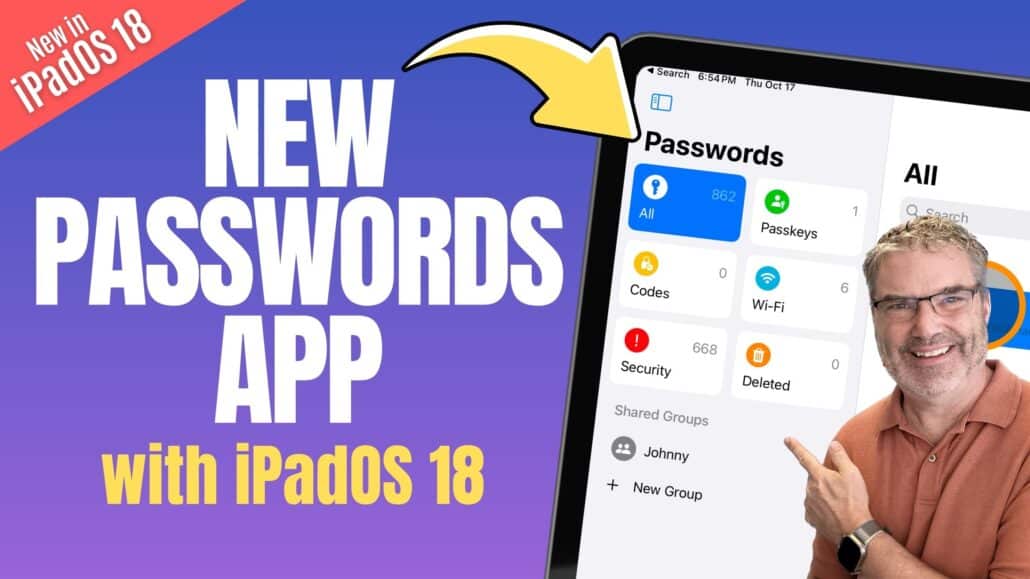
Introduction to the New Passwords App With the release of iPadOS 18, Apple has introduced a dedicated Passwords app. This app is designed to make…