

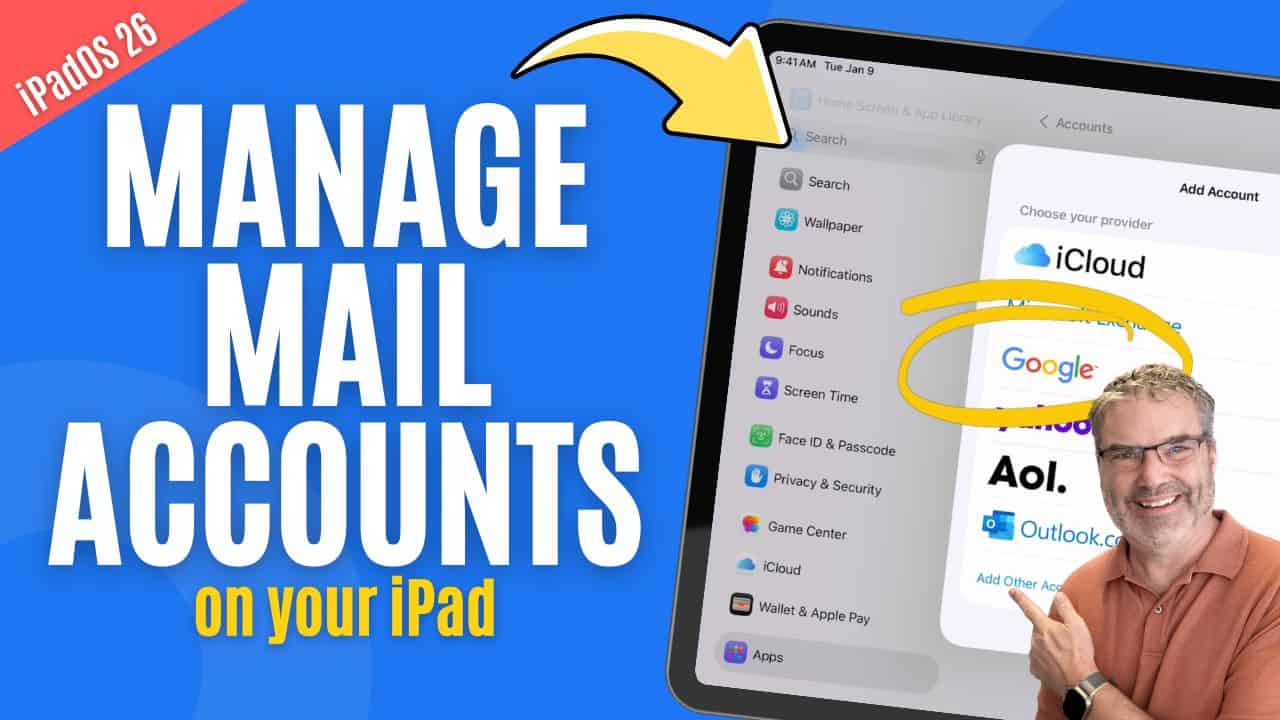
Manage Mail Accounts
Introduction Your iPad can manage email from multiple services, such as iCloud, Gmail, Outlook, or Yahoo. Each of these is added to the iPad as ...
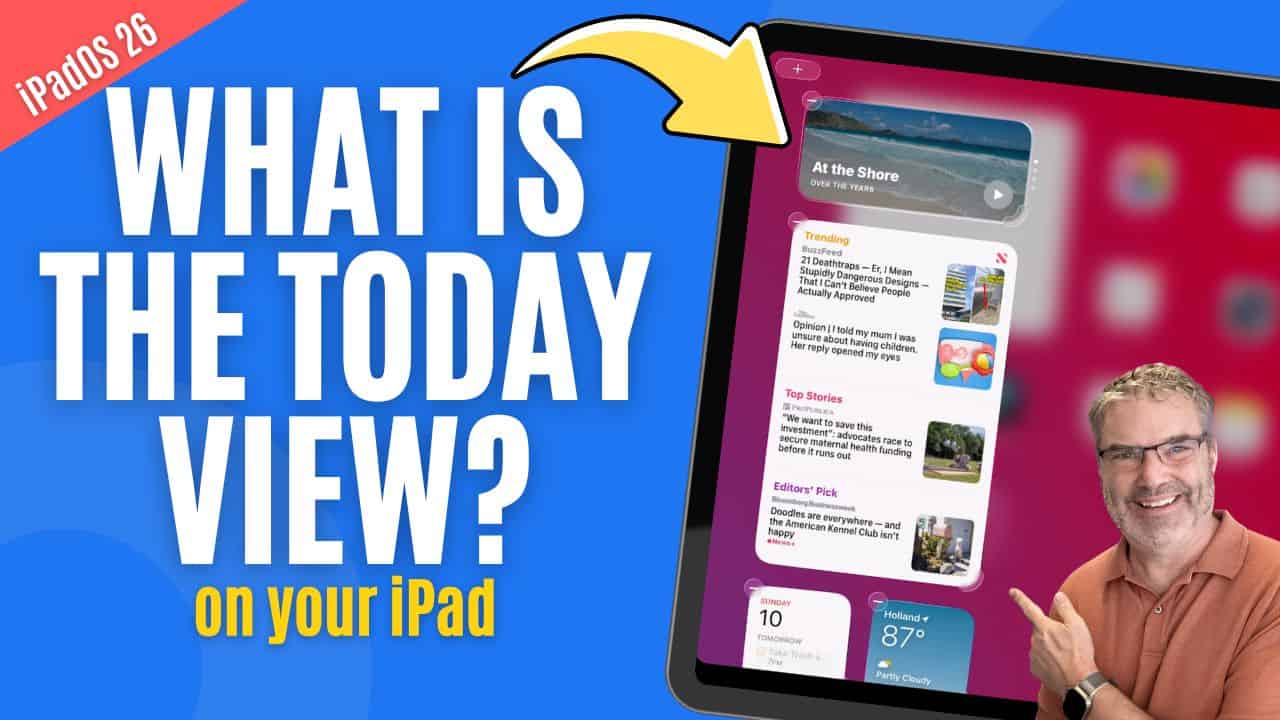
Can Today View Make Your iPad More Useful? Yes!
Introduction Widgets are designed to give you quick access to useful information without opening apps. On the iPad, one of the easiest places to view ...
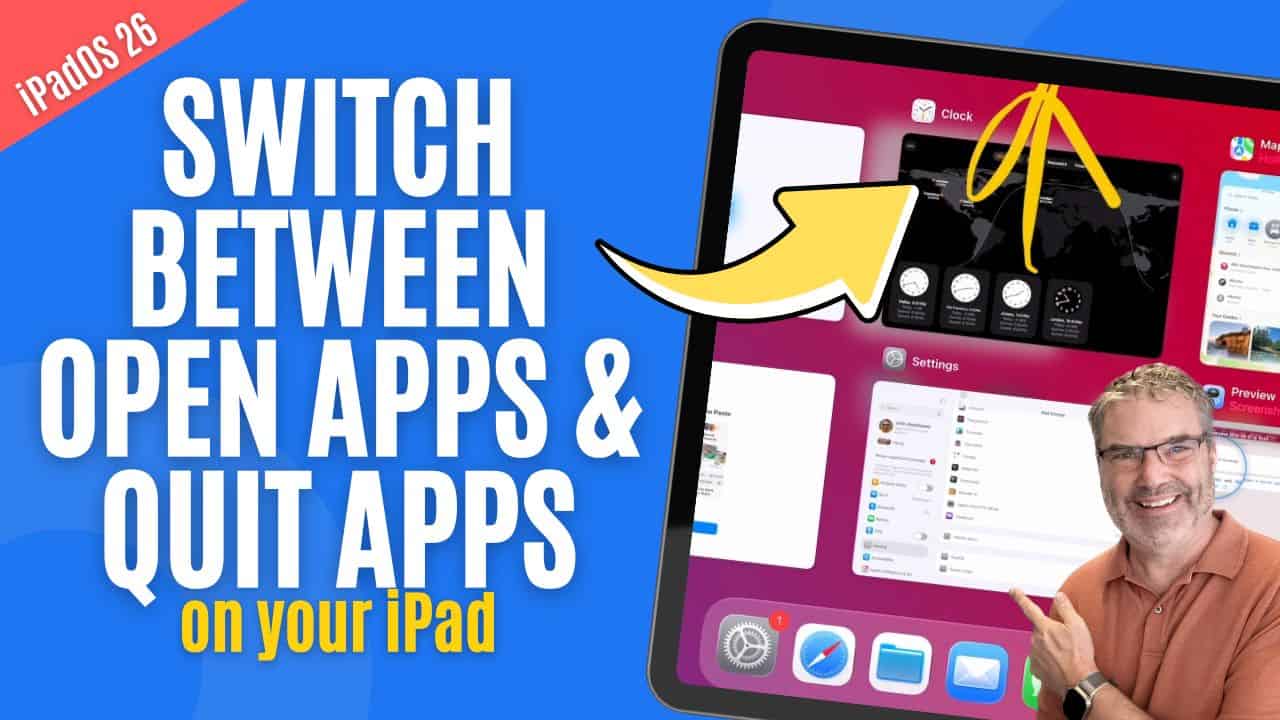
How to Switch Apps and Force Quit Apps on iPad
Introduction As you use your iPad throughout the day, it’s common to open multiple apps and move between them frequently. Knowing how to quickly switch ...
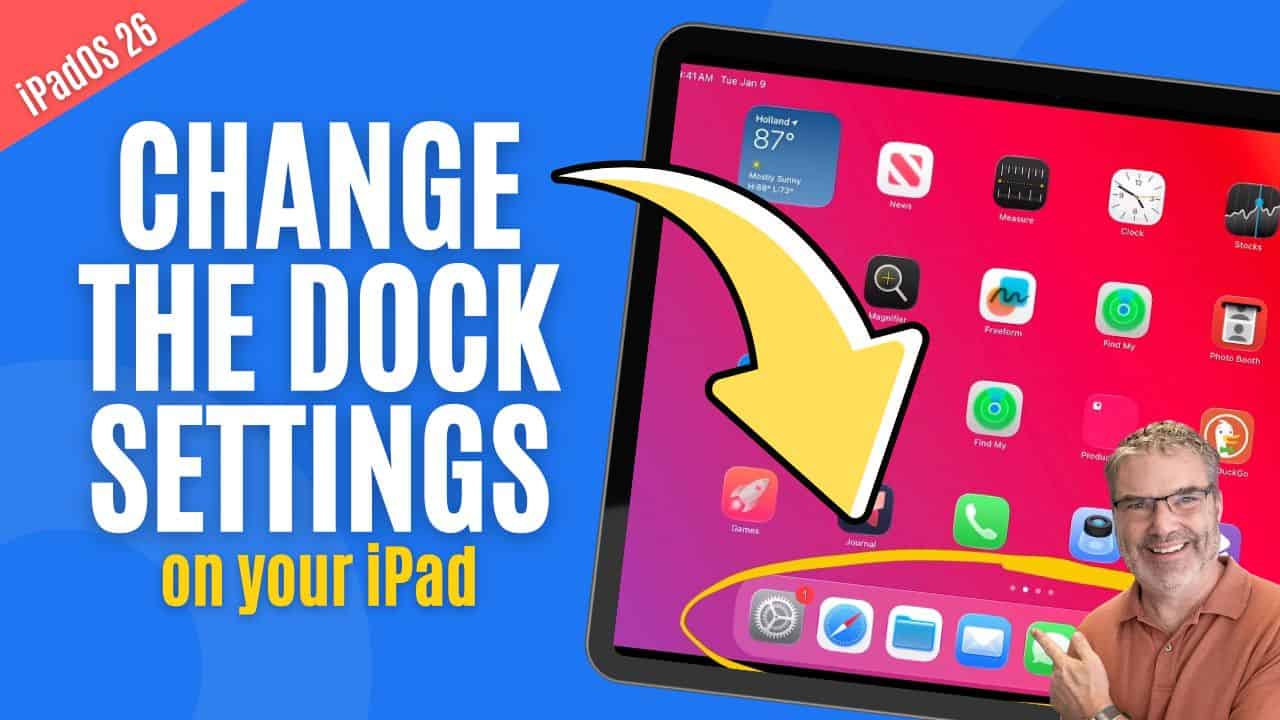
Is Your iPad Dock Set Up Right? Let’s find out!
Introduction The Dock is one of the most powerful navigation tools on the iPad, yet many people never fully take advantage of it. It gives ...
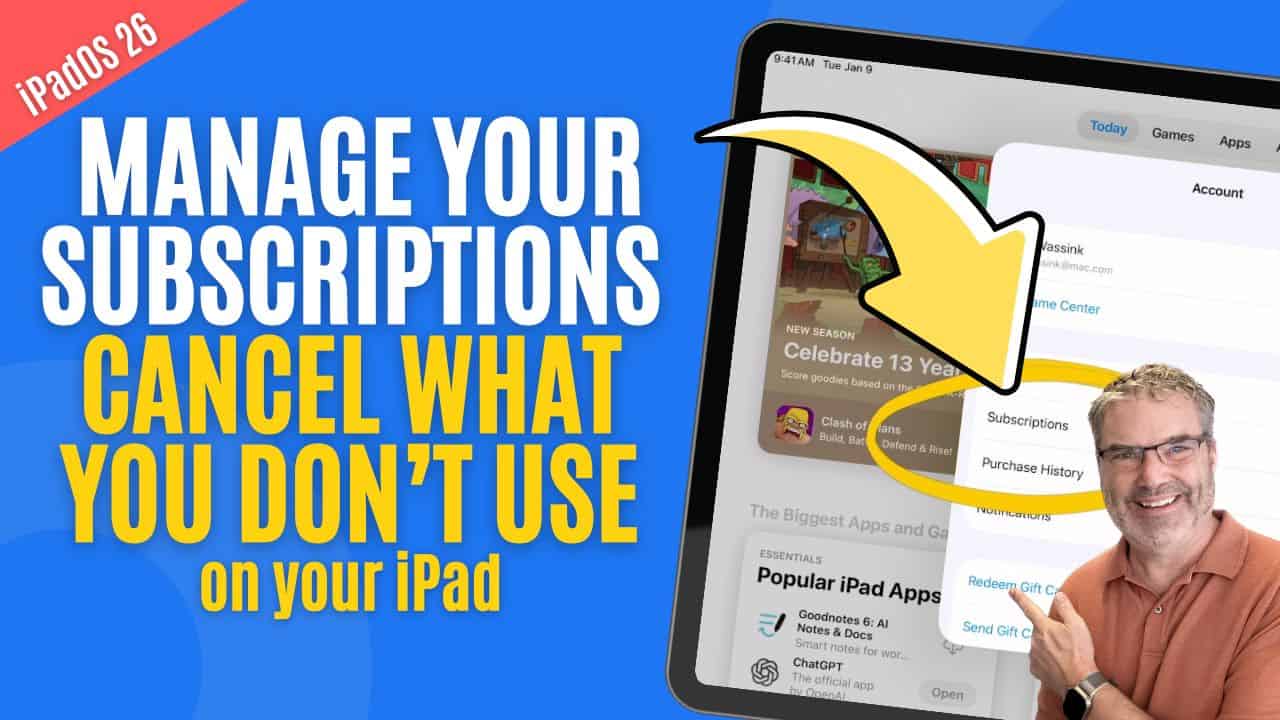
Still Paying for Old Apps on your iPad? Stop the renewals!
Managing Subscriptions on the iPad Subscriptions are convenient, but they are also easy to forget about. Over time, small monthly charges can add up, especially ...
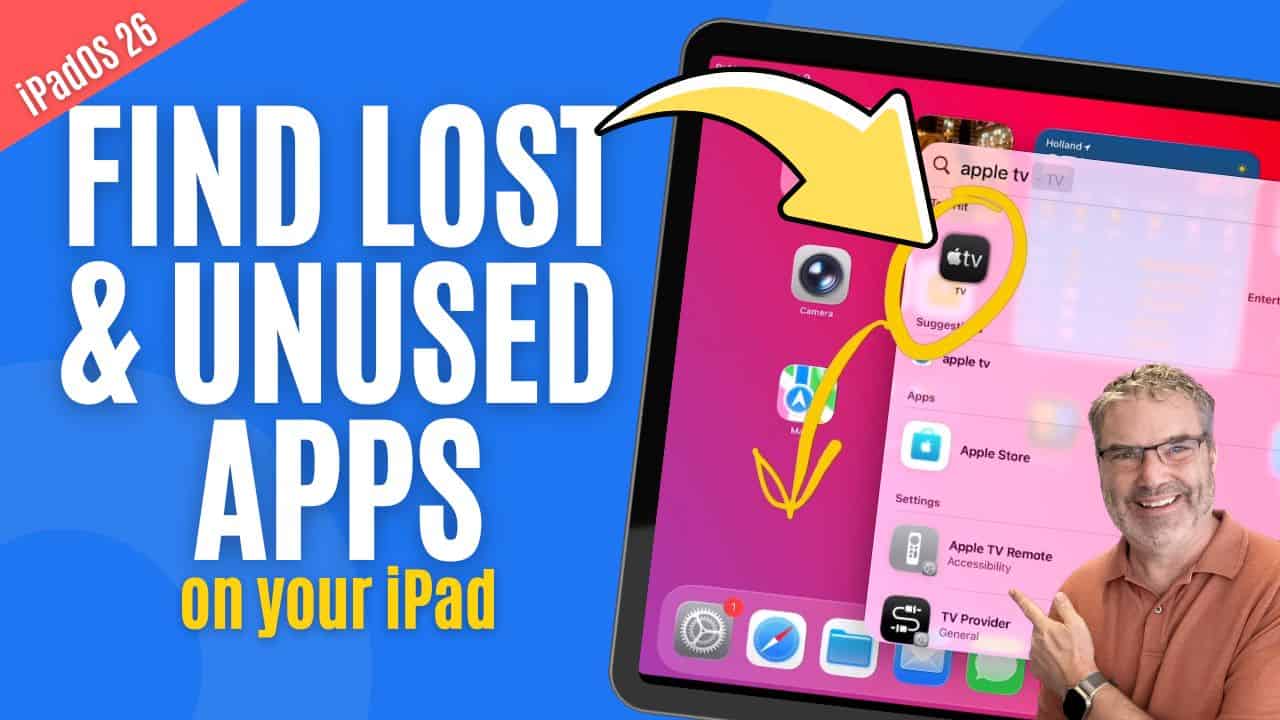
Find Lost & Unused Apps on your iPad
Introduction Over time, it’s easy to lose track of apps on your iPad. You install something for a specific task, stop using it, and months ...
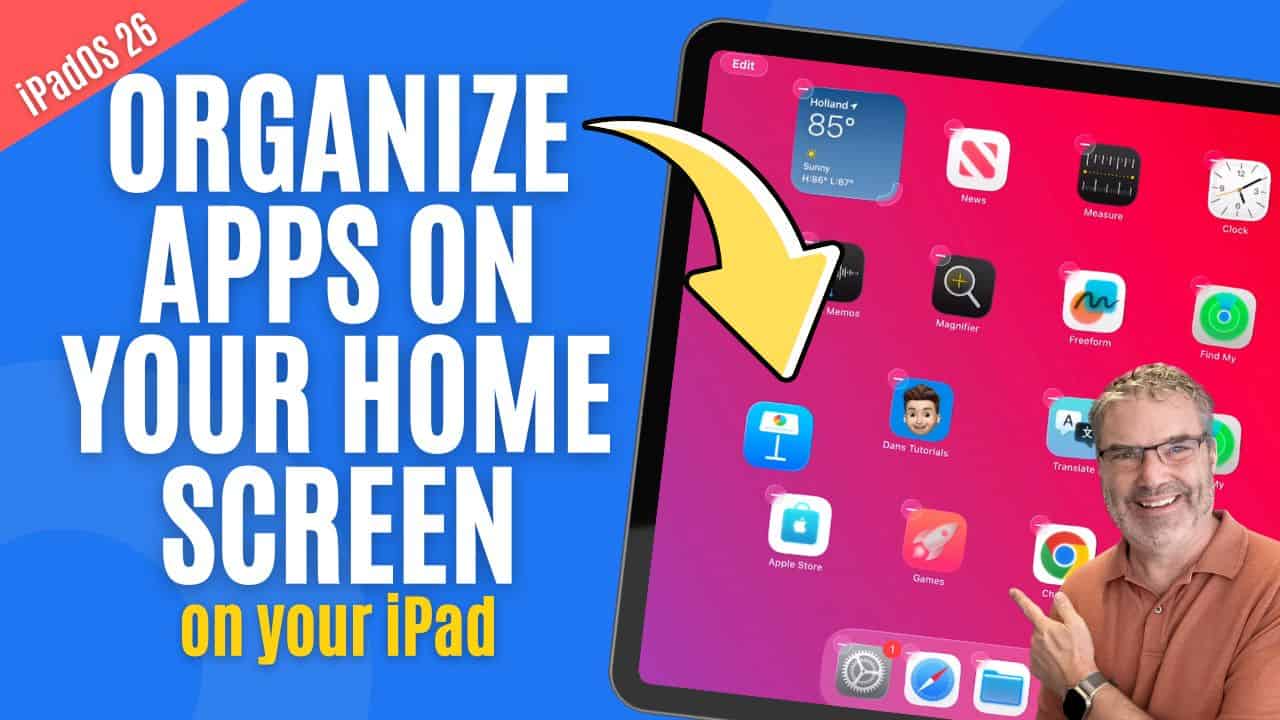
Tired of Cluttered iPad Screens? Learn how to Organize your Apps!
Introduction Keeping your iPad organized starts with managing your apps. Over time, it’s easy for apps to spread across multiple screens, making it harder to ...
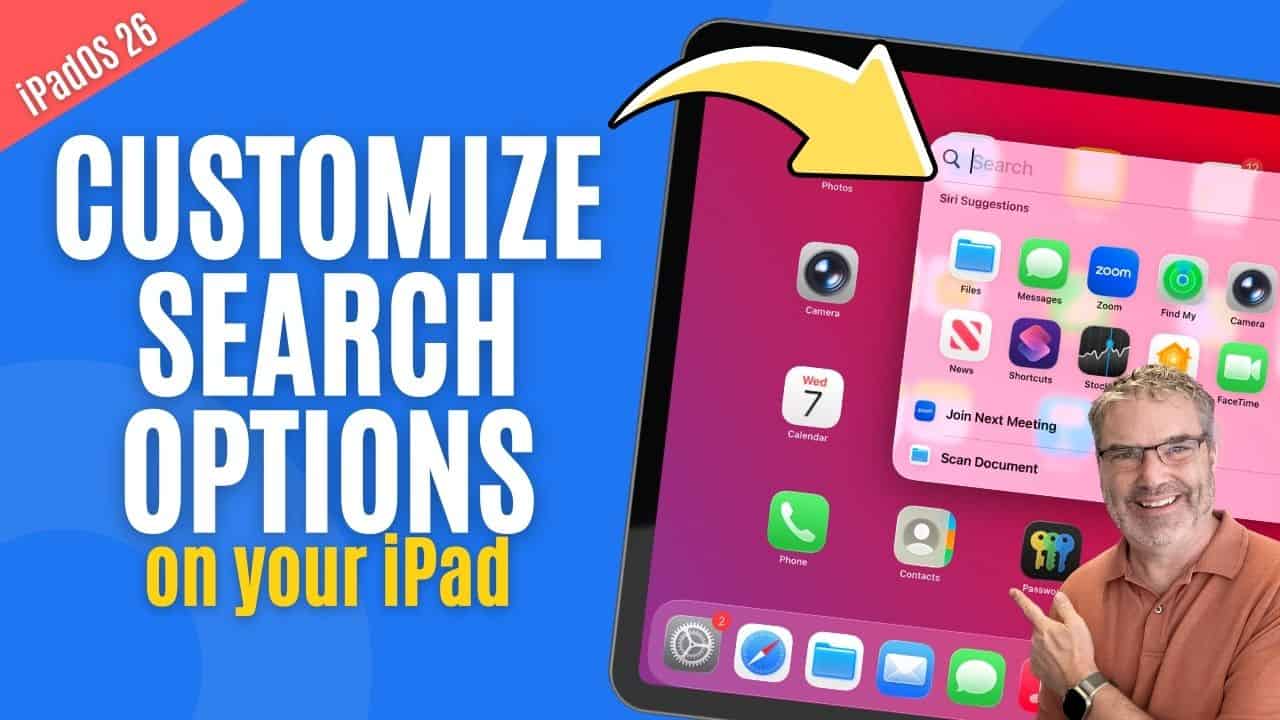
Control What Shows Up in iPad Search
Introduction Search is one of the most powerful tools on the iPad, allowing you to quickly find apps, documents, messages, and information across the system. ...
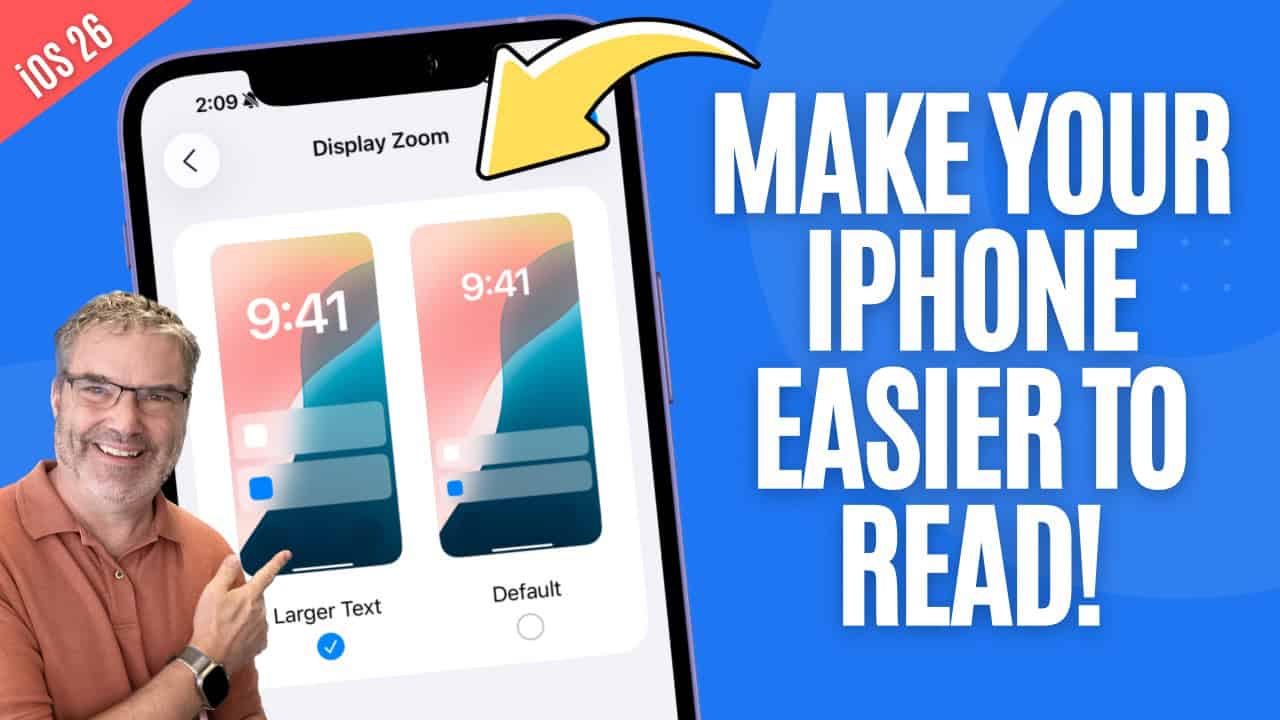
Personalize your iPhones Display
Introduction Your iPhone’s display plays a big role in how comfortable it is to use throughout the day. Whether you’re reading messages, browsing the web, ...
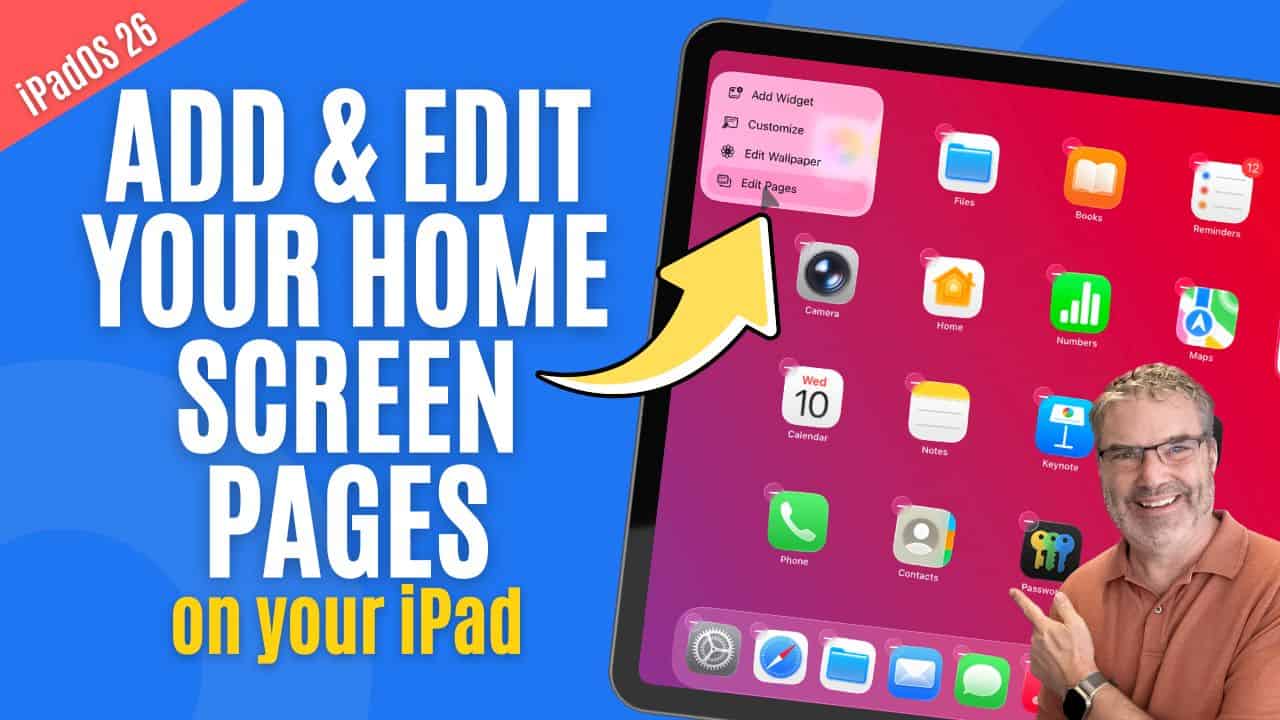
Wish Your iPad Felt More Organized? Start with Home Screen Pages!
Introduction Your iPad’s Home Screens are where you keep your apps organized, and knowing how to manage them effectively can make your device much easier ...
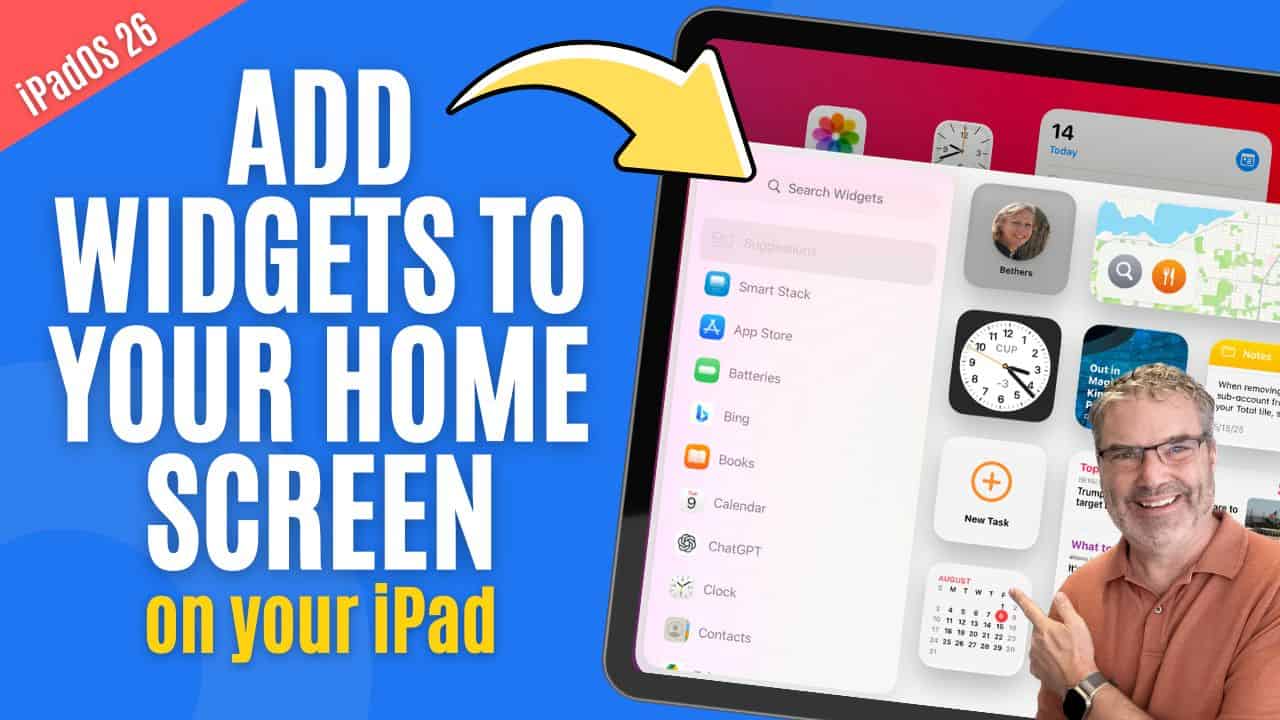
Can Widgets Make Your iPad Easier to Use? Absolutely!
Introduction Managing widgets on the iPad is an easy way to customize your Home Screen and make important information available at a glance. Widgets allow ...
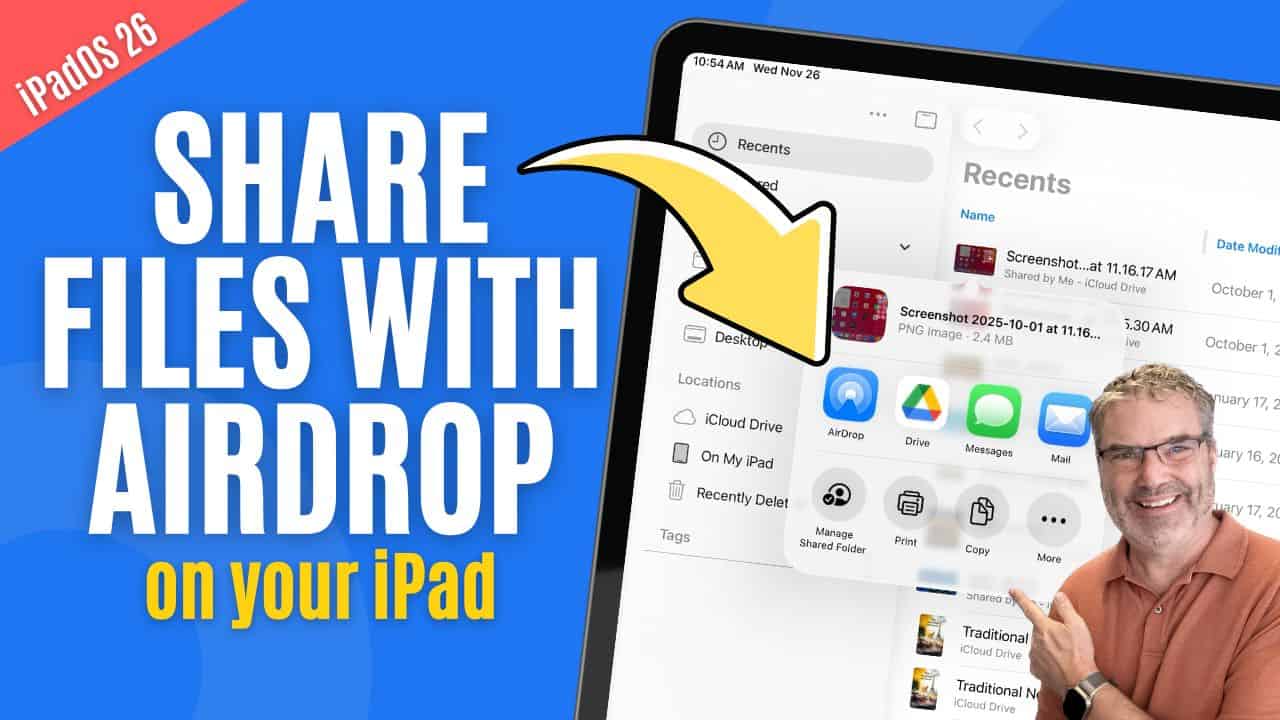
Confused About AirDrop on iPad? Here’s How It Really Works!
Sharing Files from Your iPad Sharing files from your iPad is something you’ll likely do often, whether it’s sending photos to friends, sharing documents with ...
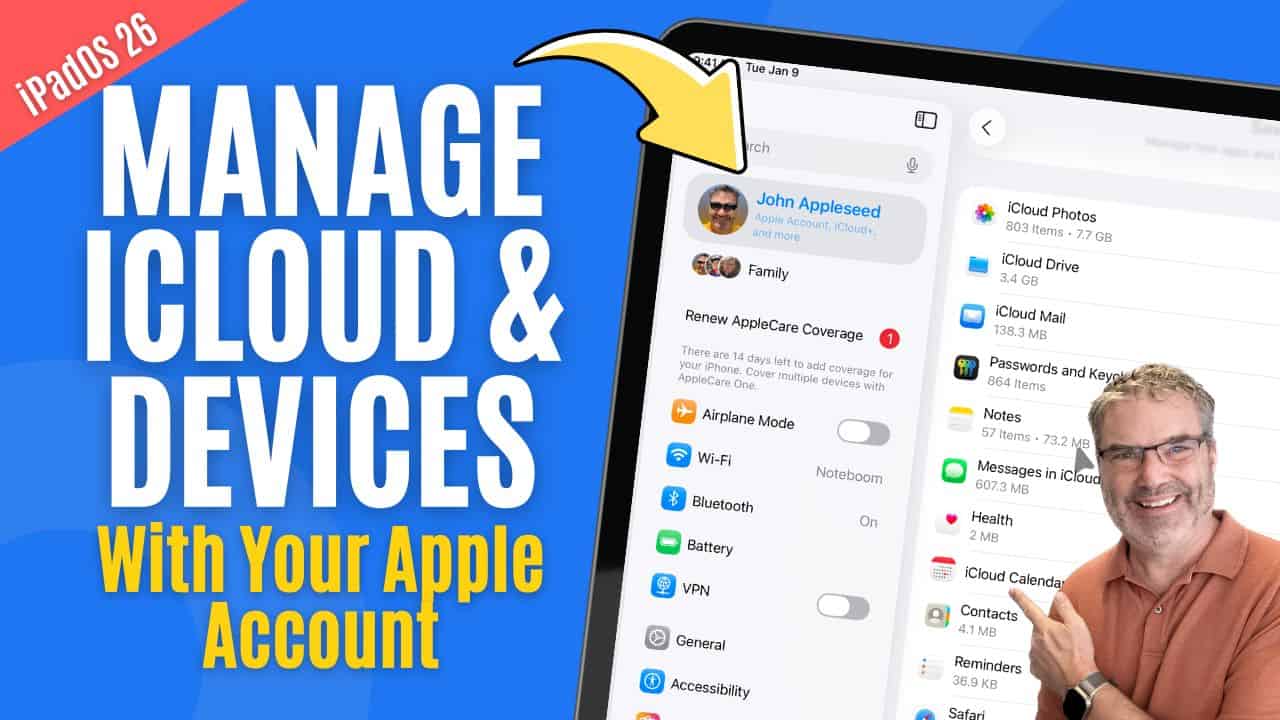
Manage iCloud & Devices with your Apple Account
Managing iCloud & Devices with Your Apple Account Your Apple Account is the center of nearly everything you do on your iPad. From syncing your ...
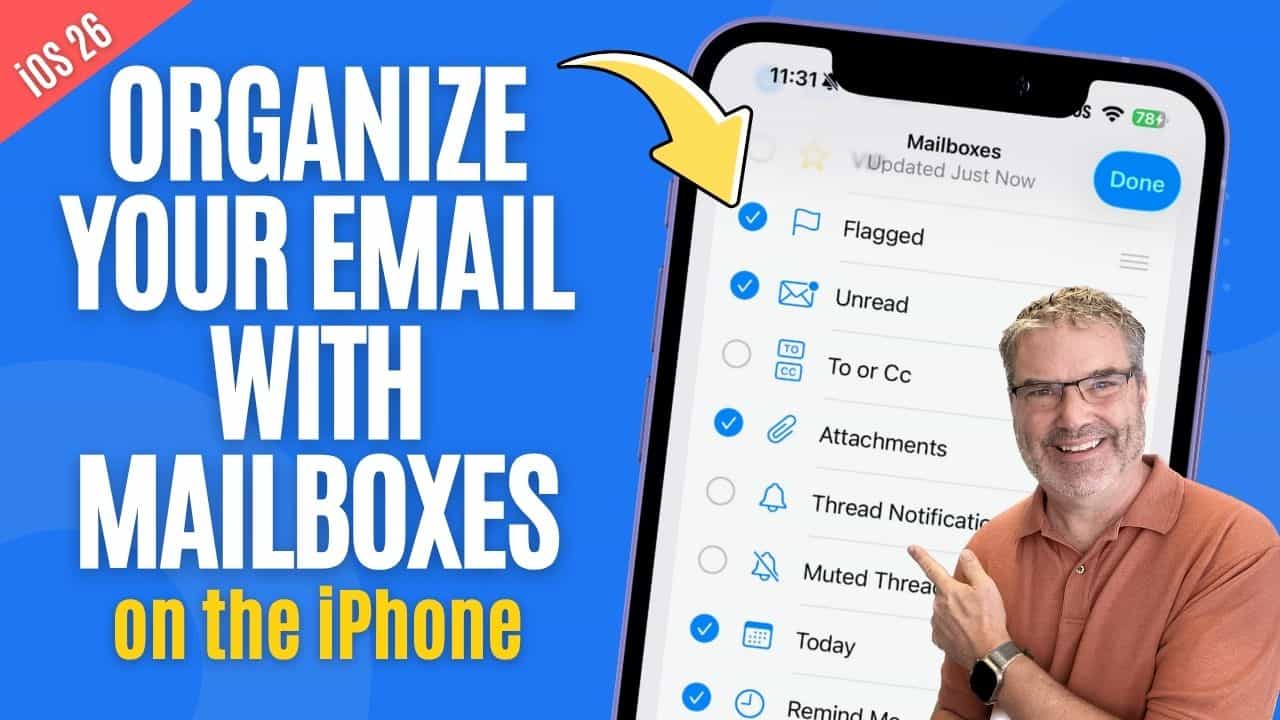
Want to Stop Losing Emails on your iPhone? Mailboxes Can Help!
Managing Mailboxes on the iPhone Keeping your email organized on the iPhone is much easier when you understand how Mailboxes work. Mailboxes let you group similar messages, ...
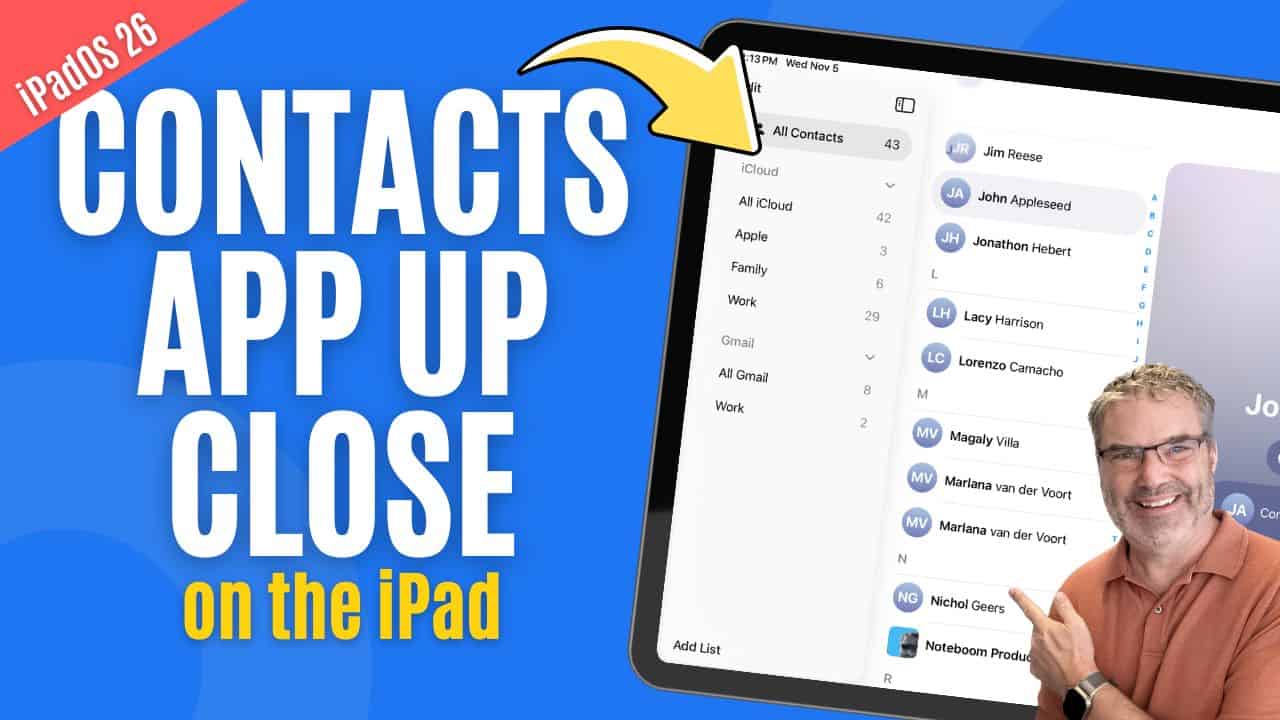
Can You Really Organize Contacts on iPad? Yes — Here’s How!
Introduction Keeping your contacts organized on your iPad helps you stay connected effortlessly — whether you’re reaching out to family, friends, or colleagues. The Contacts app makes ...