Dan's Tutorials

Easy-to-Follow Video Tutorials for the Mac, iPad, iPhone, Apple Watch, and Apple TV

Dan's Tutorials

Helping people learn more about their Apple devices through video tutorials, webinars, and classes.

Over 1,800 Lessons

I have over 1,800 Lessons for the Mac, iPad, iPhone, Apple Watch, and Apple TV. These lessons are designed to be easy-to-follow and range from a short 3 minutes to some being over 10 minutes. I add more videos on a regular basis. These videos are based off tips I find around the web to members submissions asking me how something works.

Live Online Classes & Webinars

I host online classes and webinars on a regular basis. These events are held through Zoom and cover a wide range of subjects. Past classes have covered Keynote, Pages, Spark Mail, organizing your photos, and using Apple Tech when Traveling. Webinars are usually in the format of an Ask Me Anything (AMA).

Apple News from Multiple Sources

I aggregate news from various Apple related websites including Apple's News Room, Daring Fireball by John Gruber, Six Colors by Jason Snell, iMore, and others. When you use my site for a search, it includes over 10,000 articles from these sources, so you can easily search multiple sites from one site.

Groups & Discussions

New to the site are groups dedicated to special interests, such as photography or Apps and Software. These groups are a place to ask questions and share tips on a specific topic. These groups not only include a simple news feed, but you can create discussions around a specifc topic.

Worldwide Membership

I have happy members from around the world. Of course the majority of my members are from the United States, as that is where I am from, but I also have members from the United Kingdom, Canada, Australia, France, New Zealand, and Switzerland, India, and more.

Supporting Small Business

When you become a member, you are helping support a small business owned by my wife and I. It is run out of our house where I use our spare bedroom as my office and studio. I create the tutorials, host the classes and meetings, I design and update the website, all from my Mac, iPad, and iPhone.

New And Updated Lessons

Here are my latest tips and lessons I've added and updated.

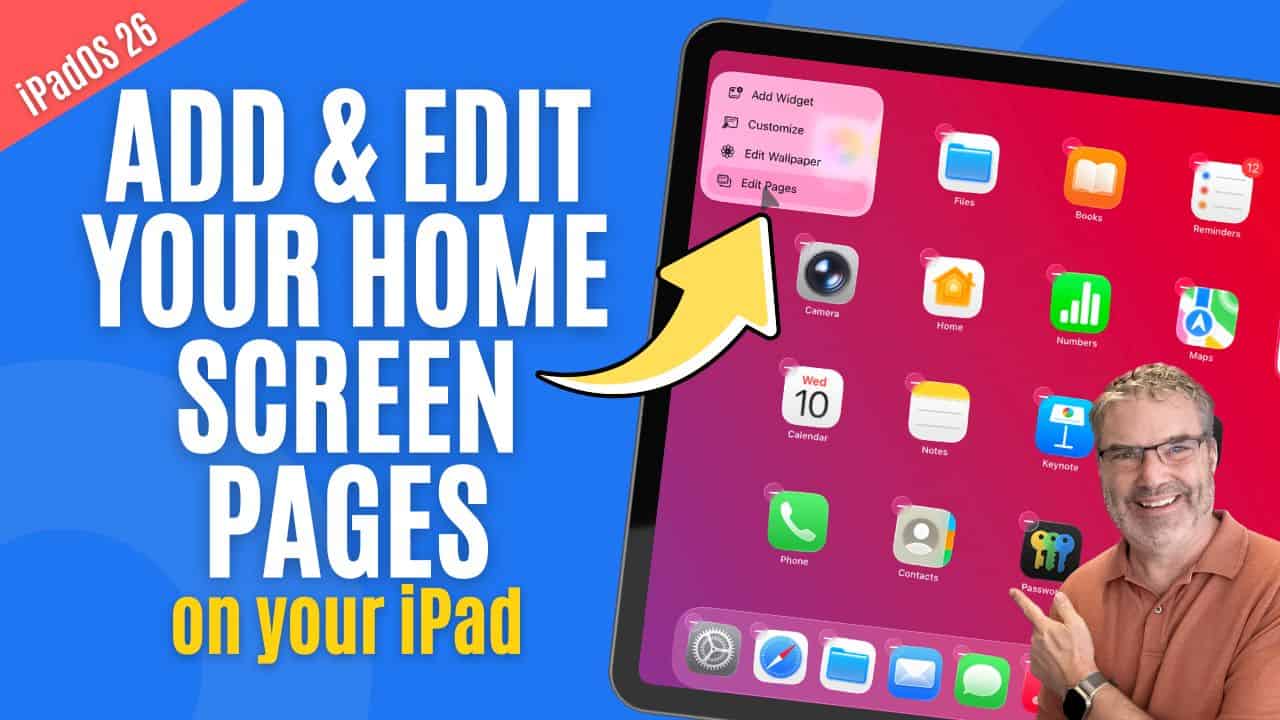
Wish Your iPad Felt More Organized? Start with Home Screen Pages!

Introduction Your iPad’s Home Screens are where you keep your apps organized, and knowing how to manage them effectively can make your device much easier ...
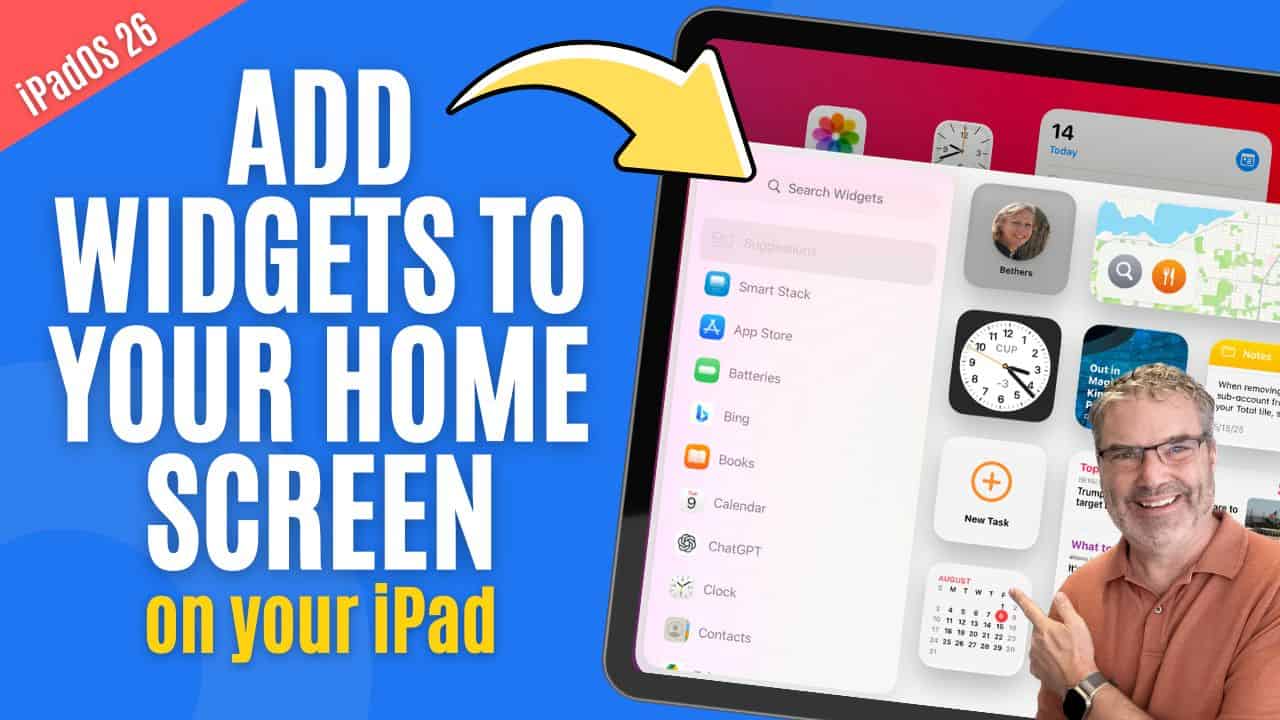
Can Widgets Make Your iPad Easier to Use? Absolutely!

Introduction Managing widgets on the iPad is an easy way to customize your Home Screen and make important information available at a glance. Widgets allow ...
Dan's Blog

My latest News and Updates

Sorry, we couldn't find any posts. Please try a different search.

News from Around the Web

Find some of the latest Apple news from various sources below. Links open in a new window to the resepctive website.

9to5Mac

Indie App Spotlight: ‘Headlines’ offers a news reading experience that isn’t tiring

Welcome to Indie App Spotlight. This is a weekly 9to5Mac series where we showcase the latest apps in the indie app world. If you’re a developer ...
9to5Mac

Apple TV: How to watch ‘A Charlie Brown Christmas’ for free this weekend

As it did with ‘A Charlie Brown Thanksgiving‘ a few weeks ago, Apple is streaming ‘A Charlie Brown Christmas‘ for free on Apple TV this ...
Macworld

Make the move to subscription-free Microsoft Office for only $40

Macworld TL;DR: Get lifetime access to Microsoft Office Home & Business 2019 for Mac for $39.97 (MSRP $229) and ditch monthly subscriptions for good. Your Mac may be ...
Macworld

Grab PromptBuilder for $39 and build perfect AI prompts in seconds

Macworld TL;DR: PromptBuilder gives you lifetime access to fast, optimized prompts for 10 AI models—just describe what you need, and it builds the perfect prompt in seconds ...

Online Tutorials, Webinars, & Classes for Apple Devices

Helping people learn more about their Macs, iPads, iPhones, Apple Watches, and Apple TVs through online video tutorials, webinars, and online classes. 

Enjoy Complete Training for your Apple Devices for 30 days – totally free!
No payment information asked. No strings attached. Membership for 30 days. Simple as that!